How To Login To Prabbis Client Portal
Jul 19, 2024●
1
Navigate to https://clients.prabbis.com/login
2
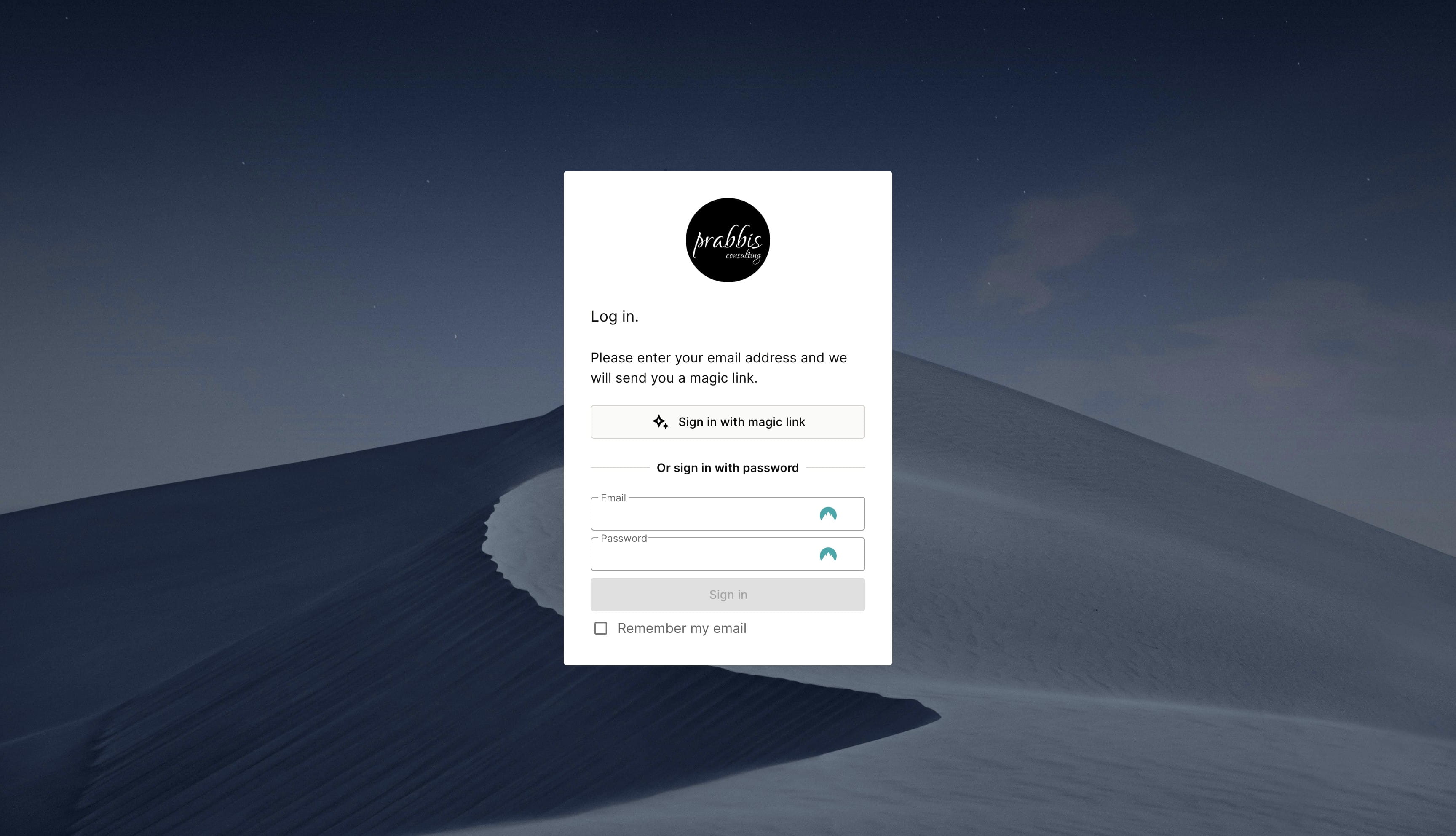
Sign In With Magic Link
3
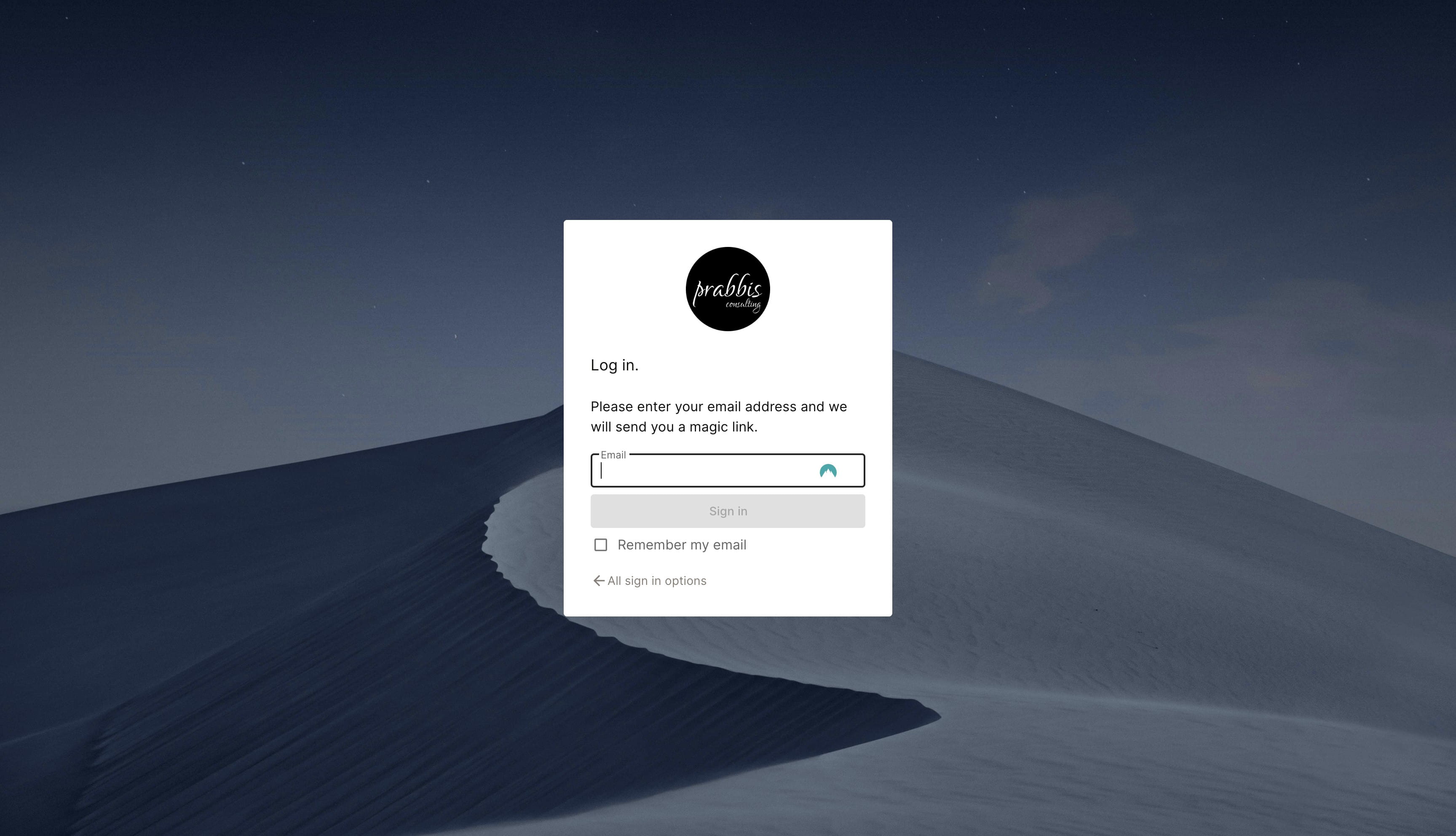
Provide your email
4
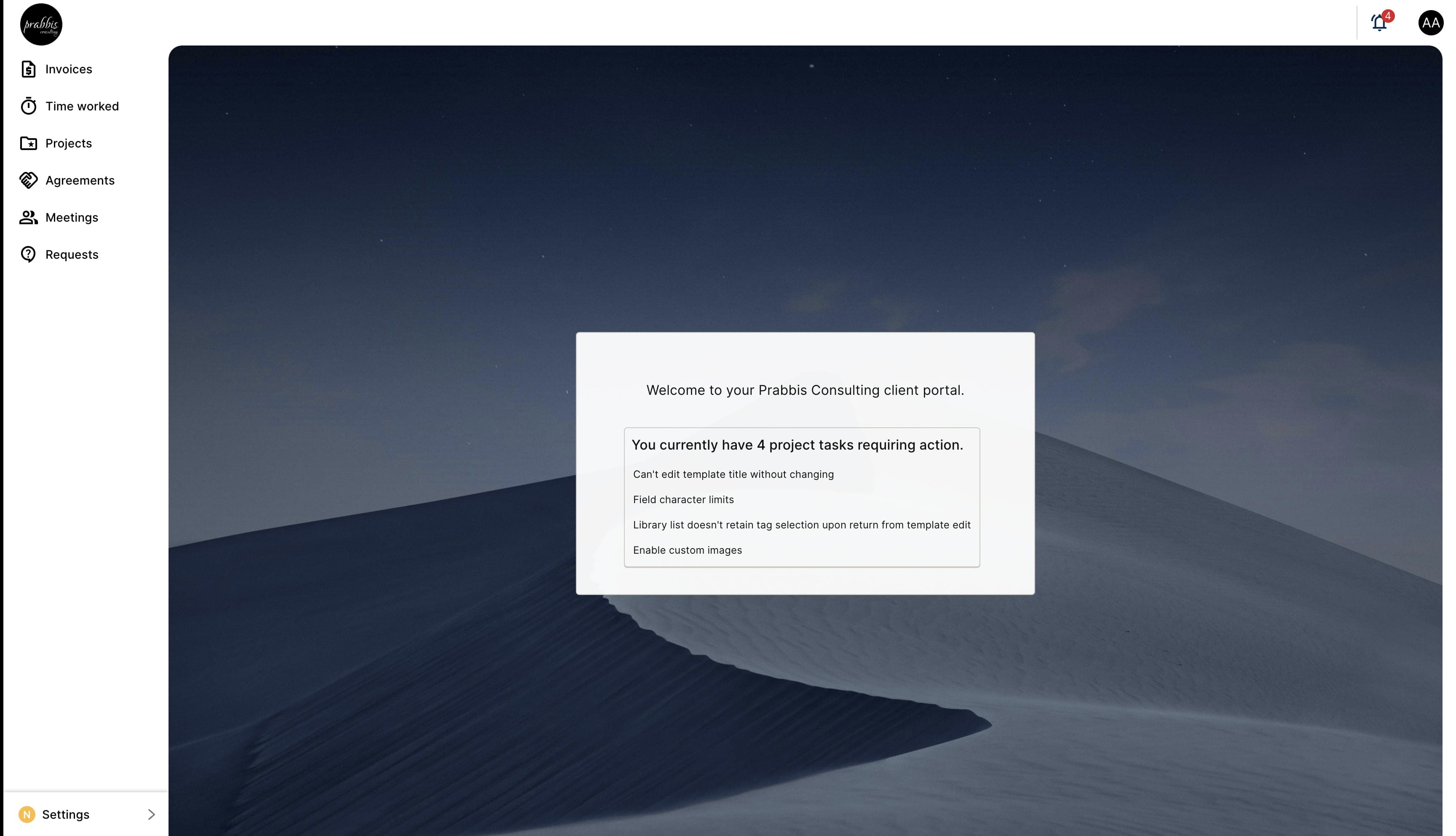
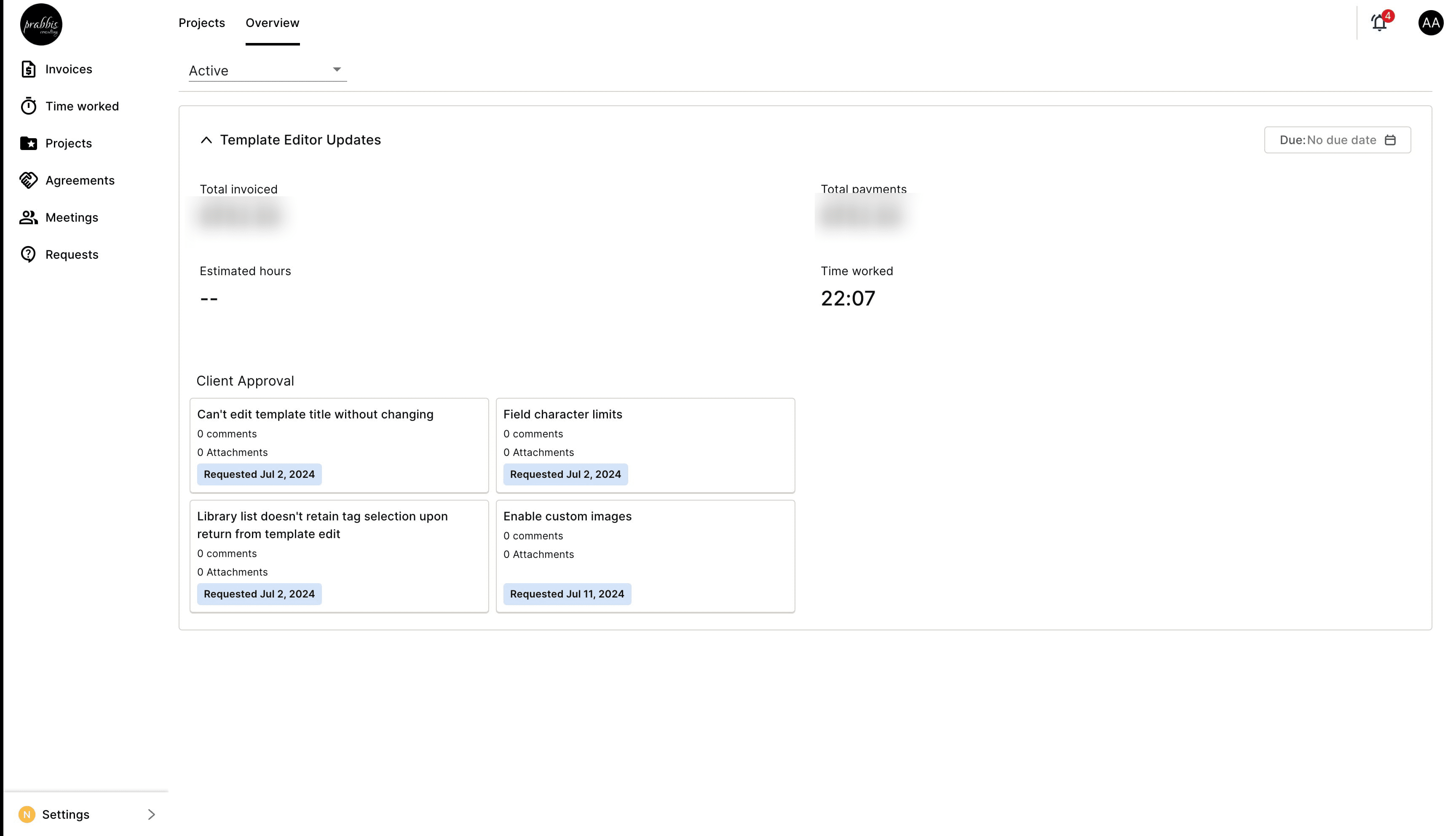
On Successful login, you should see a screen like the below
5
You can navigate each item on the menu for specific functionality
6
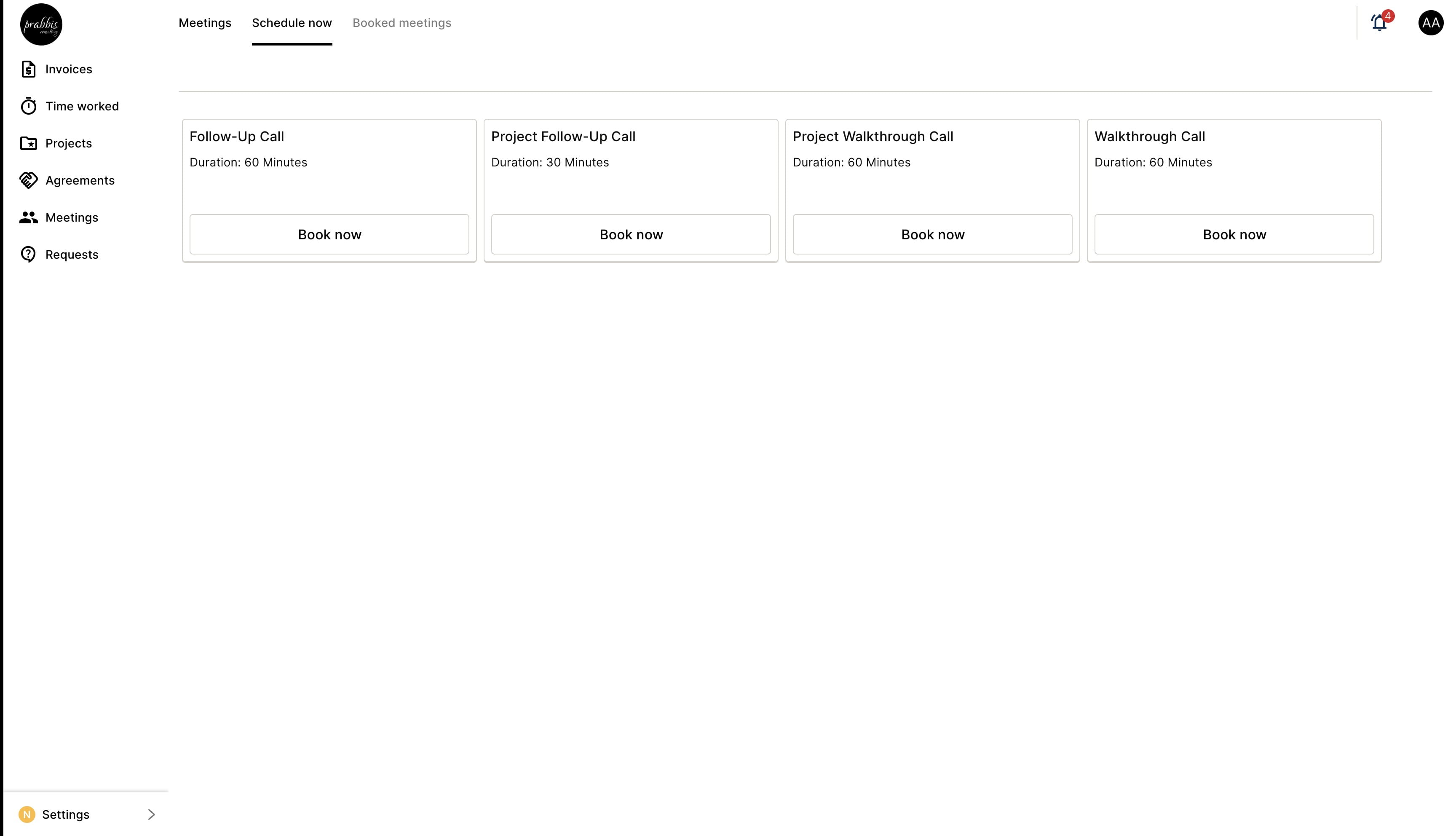
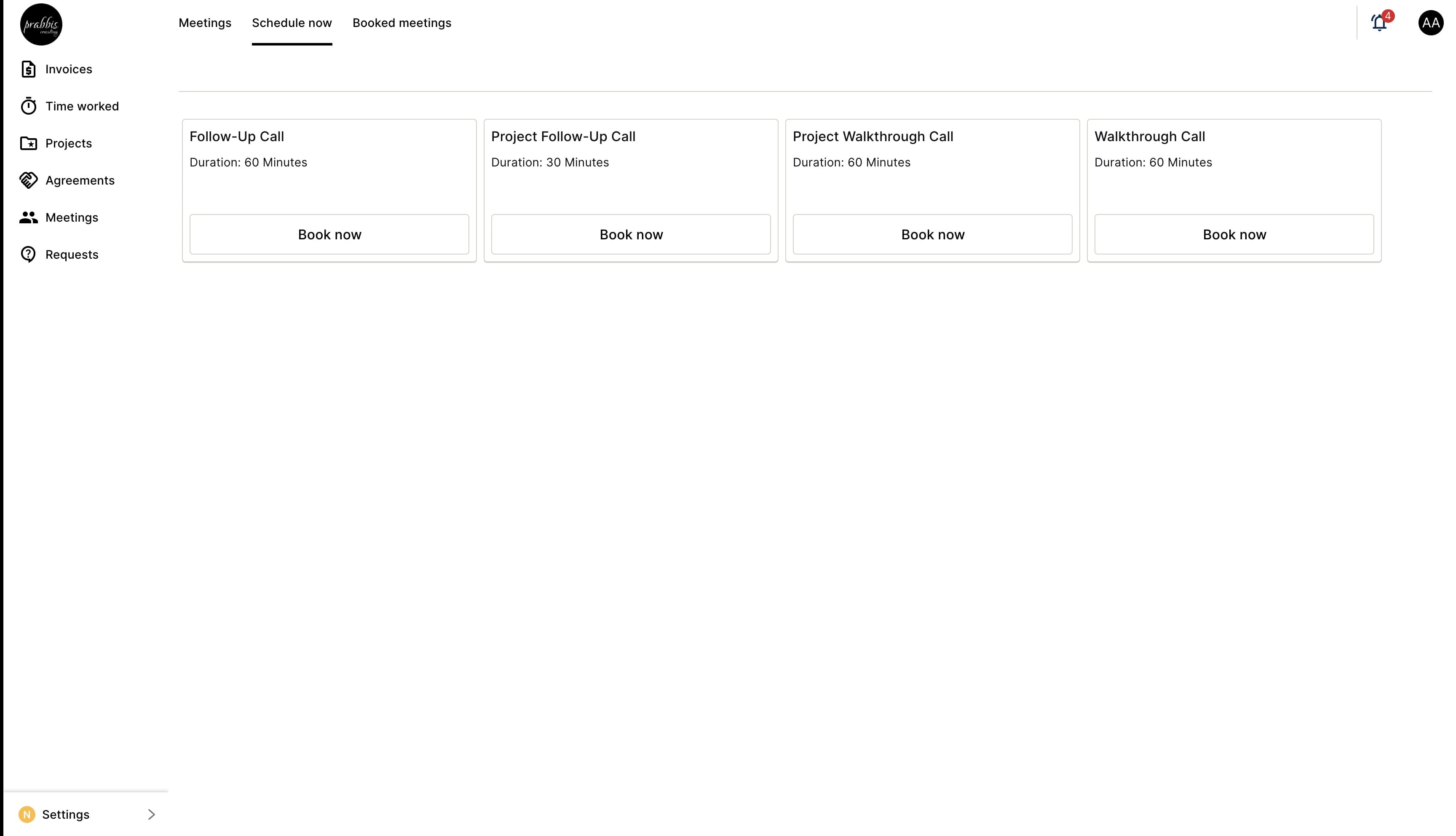
Use the "Meetings" to book any meeting with us
7
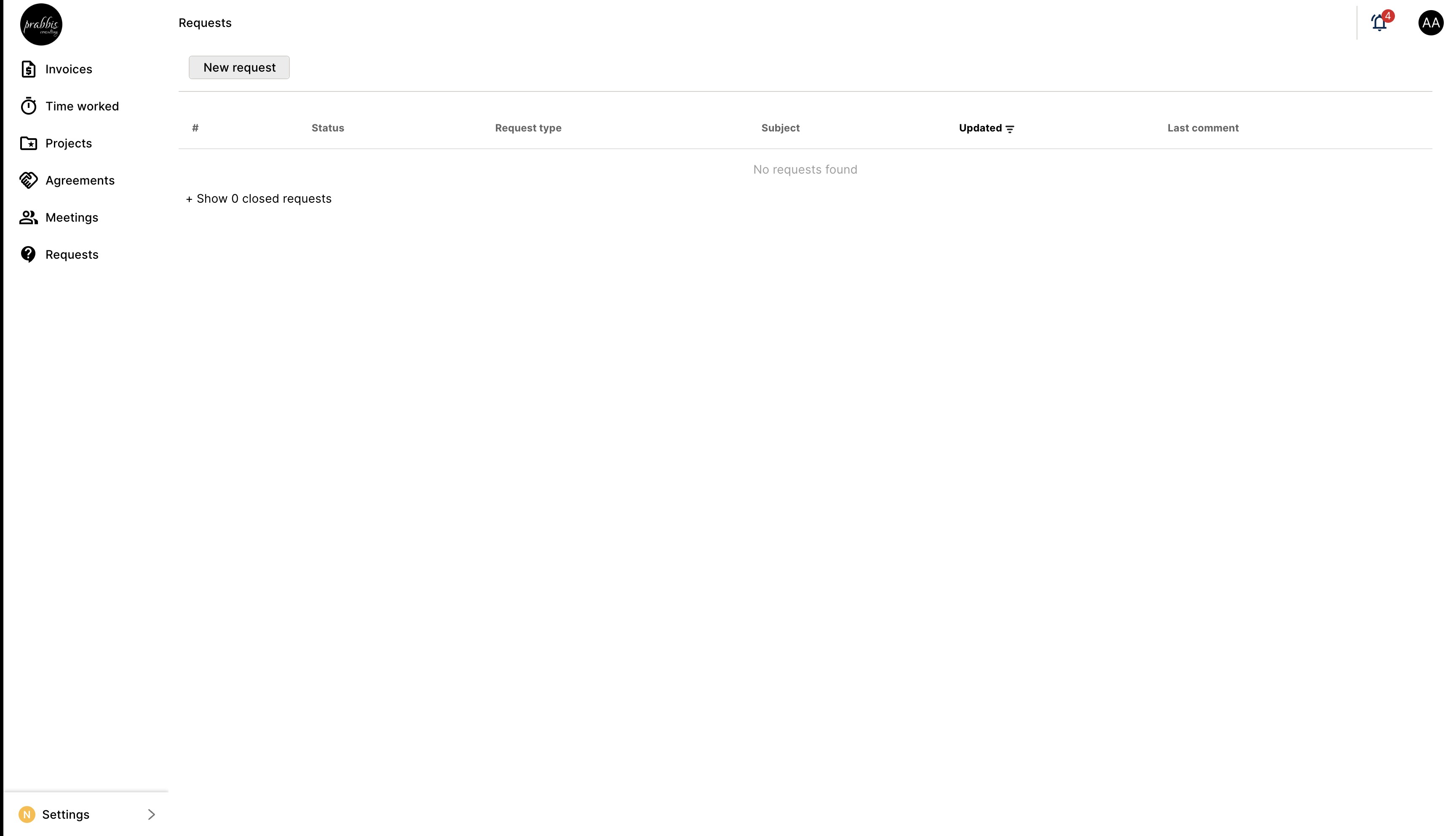
Use "Requests" to submit an inquiry or request
8
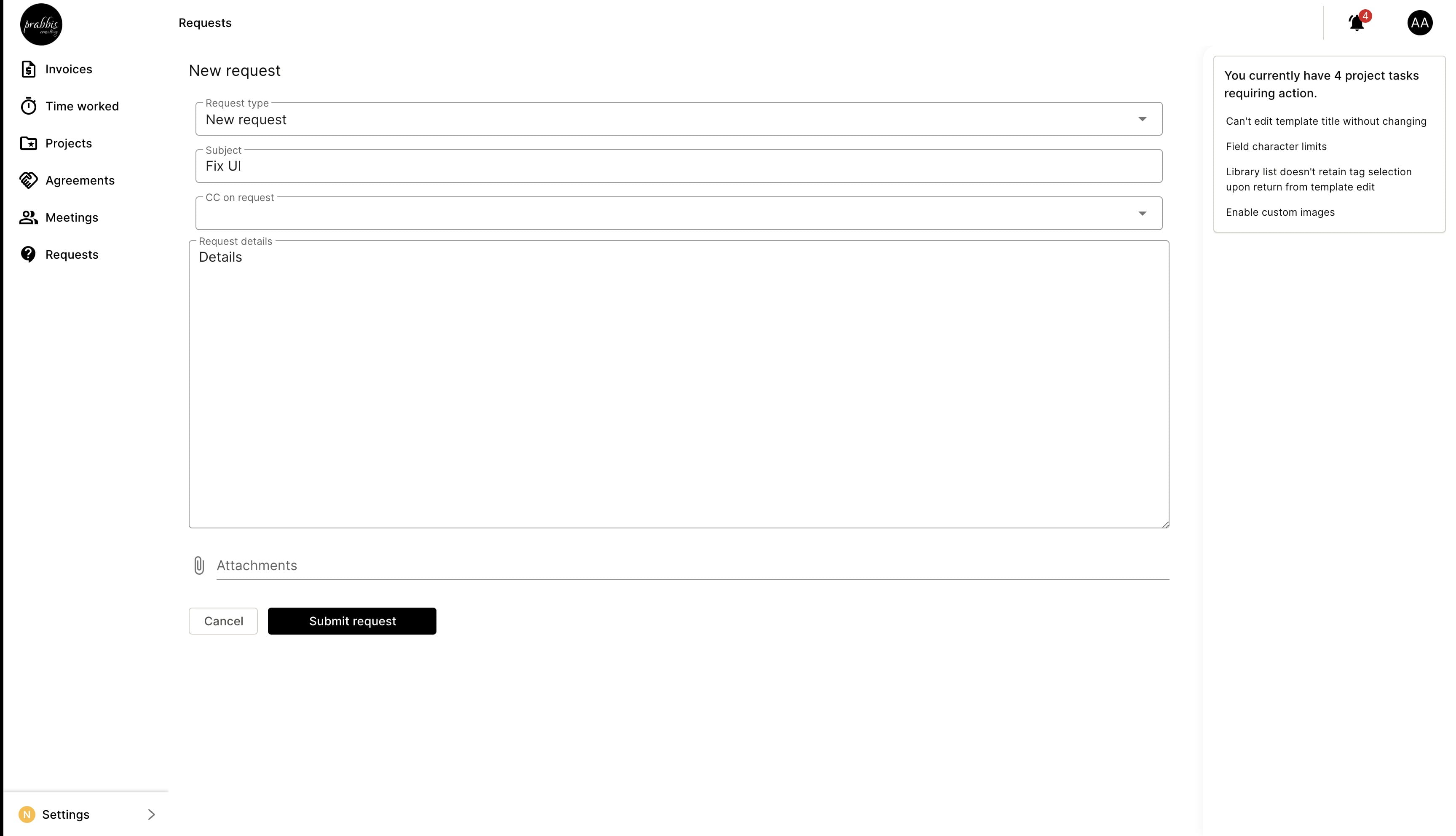
Click on "New request" to submit a request
9
You can submit your request once all data is filled out.