How To Get Color Hex Code - Canva
Aug 12, 2024●
1
Navigate to any canva design
2
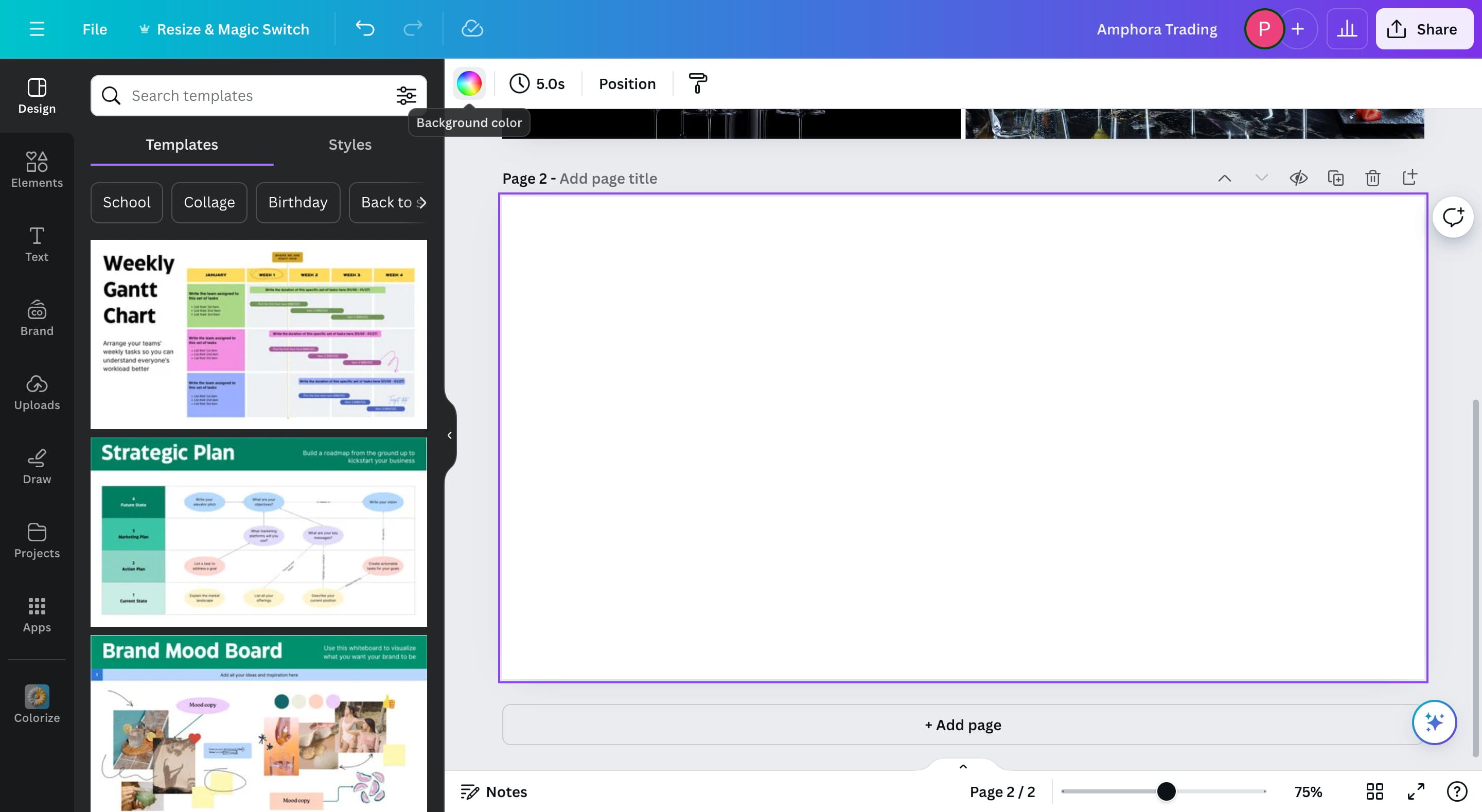
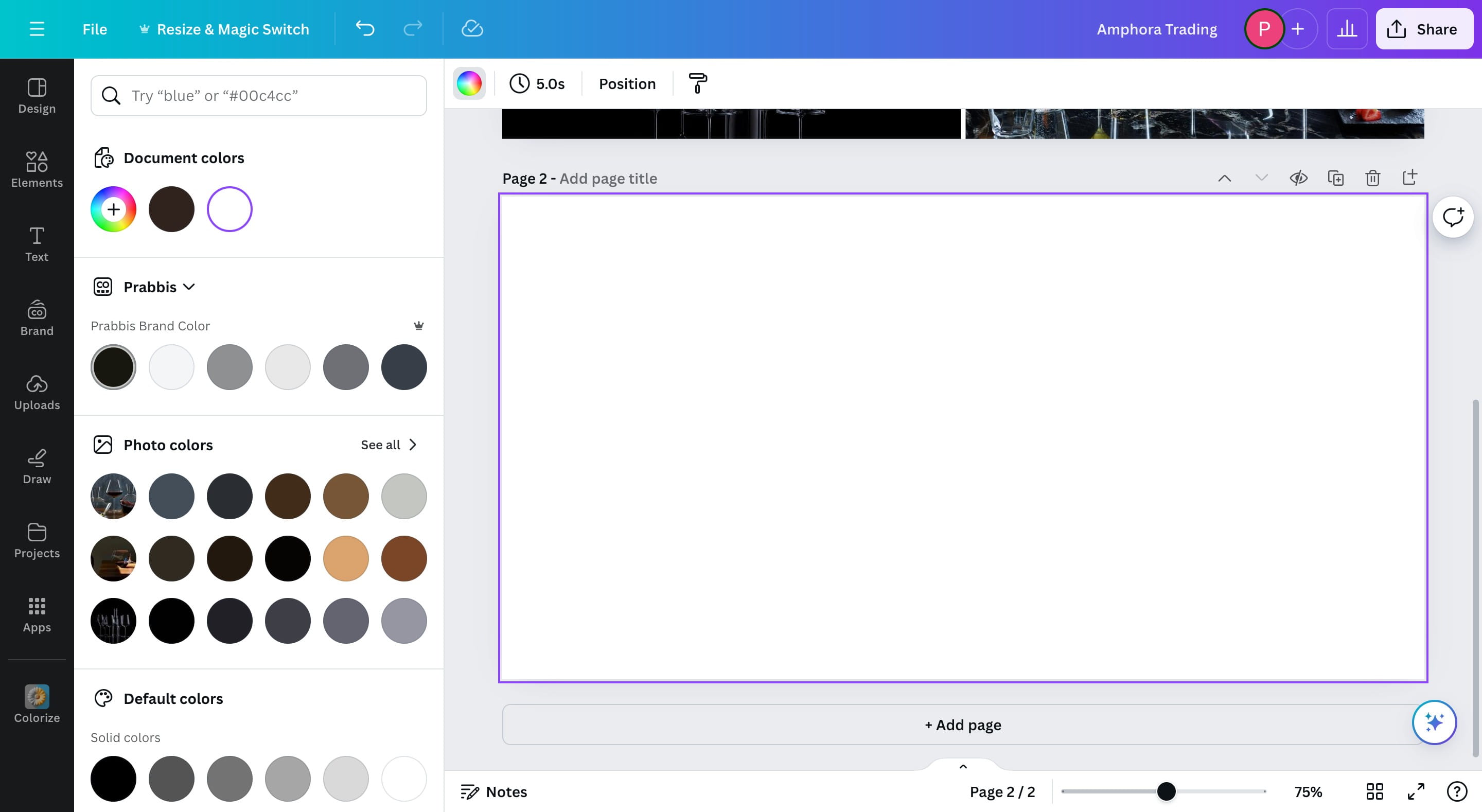
If the color you want to use does not exist, click on the highlighted icon.
3
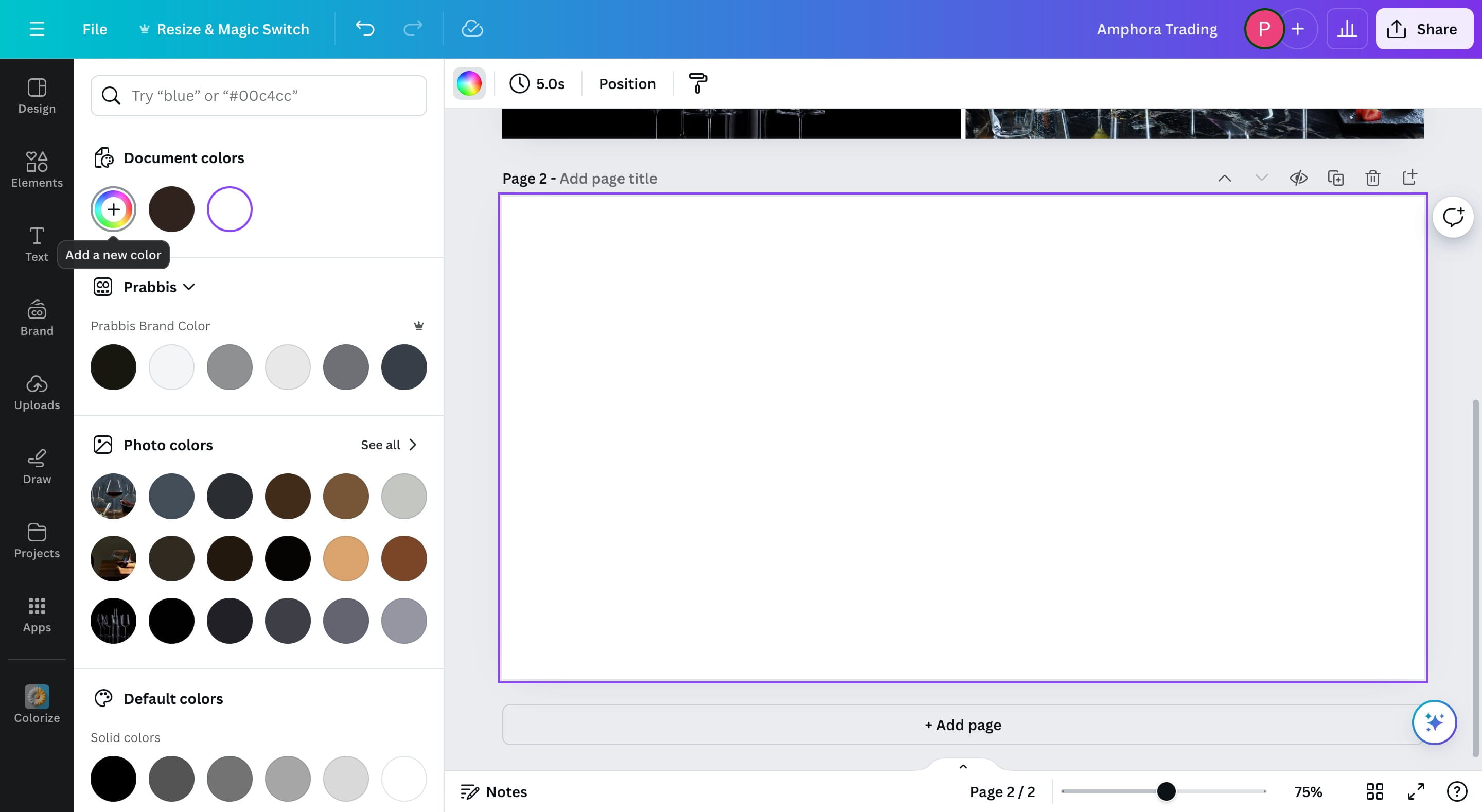
Click on the Add Color button
4
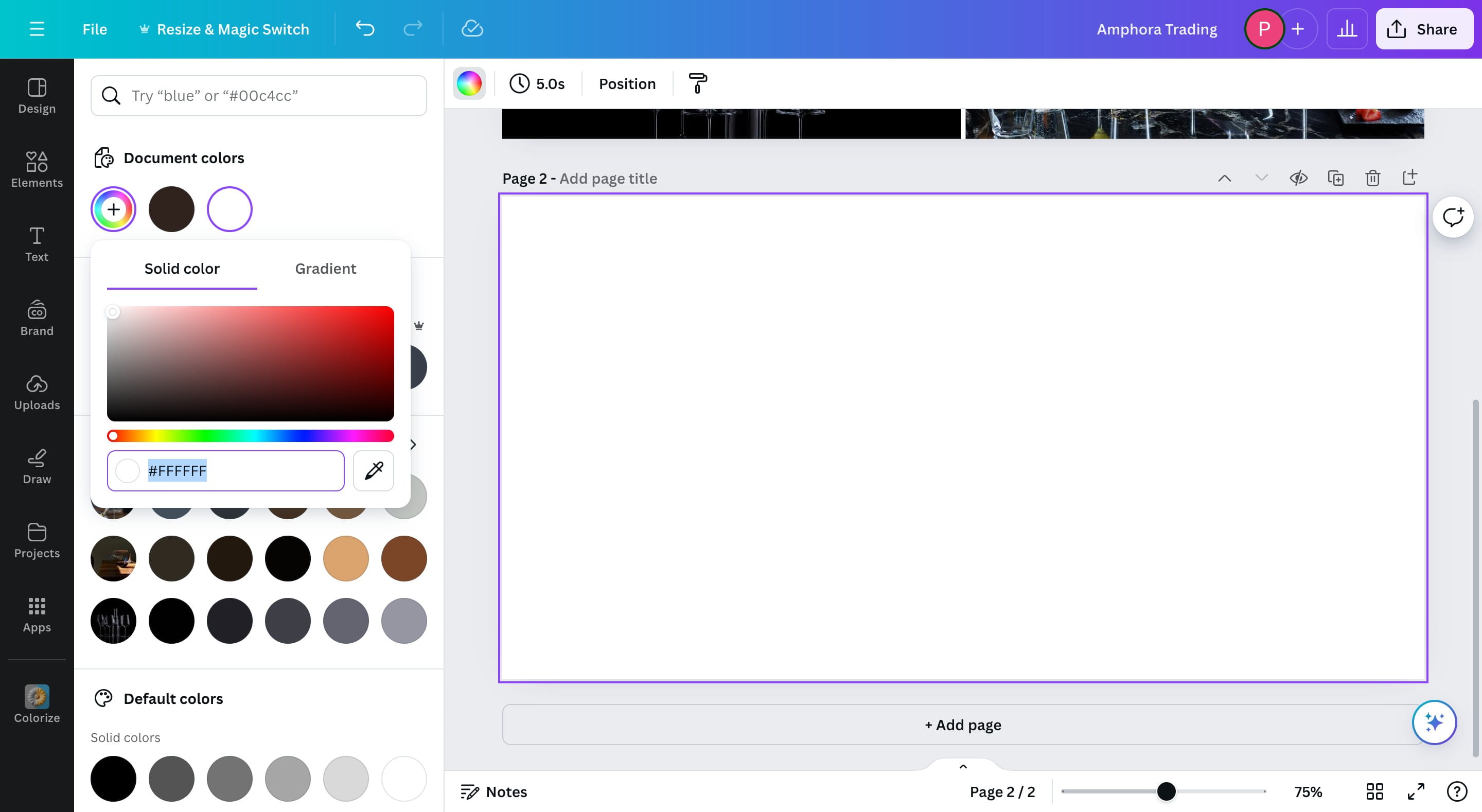
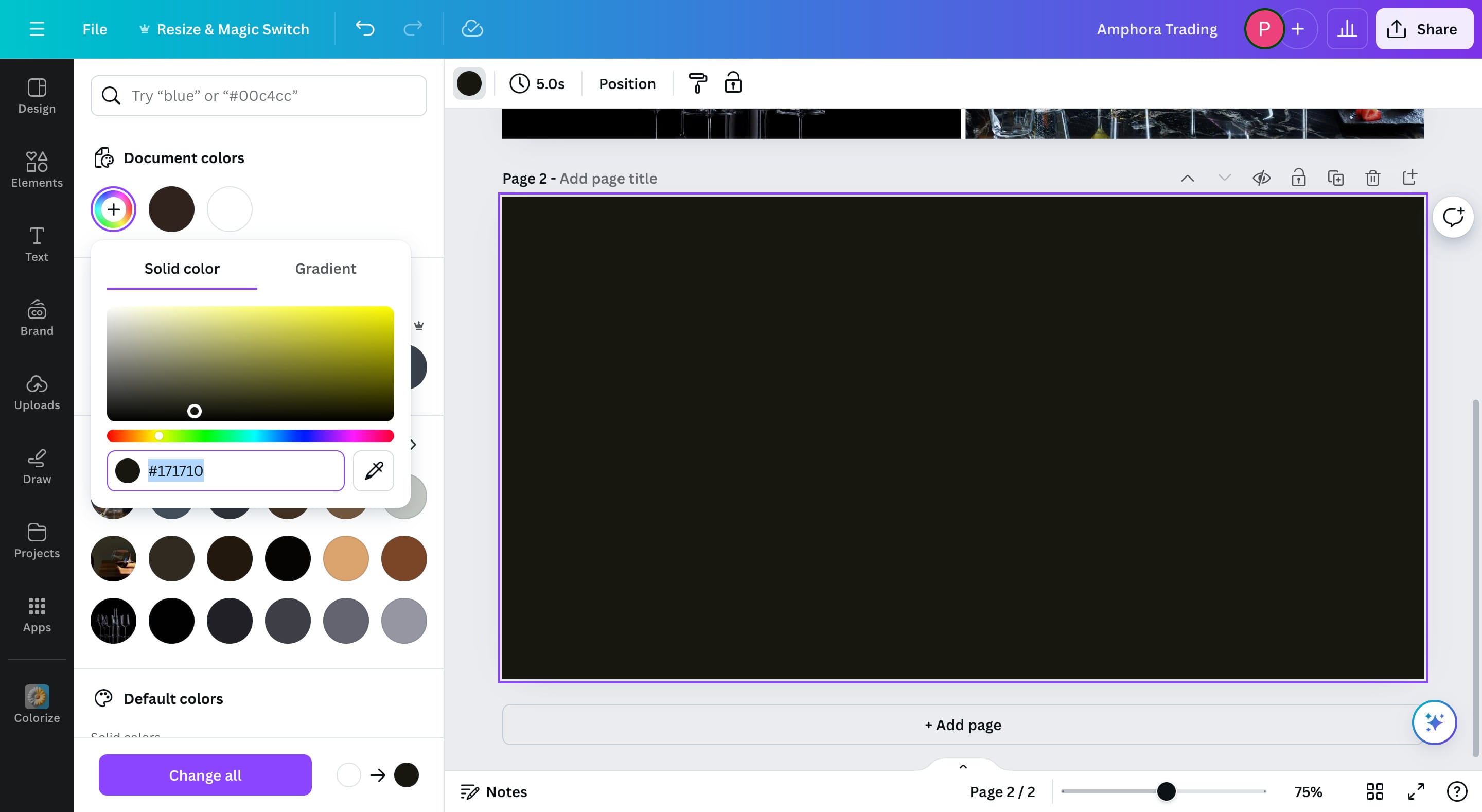
Select the color you want and you should see the hex code in the box highlighted below.
5
You can also select your brand color from the list of colors if it exists.
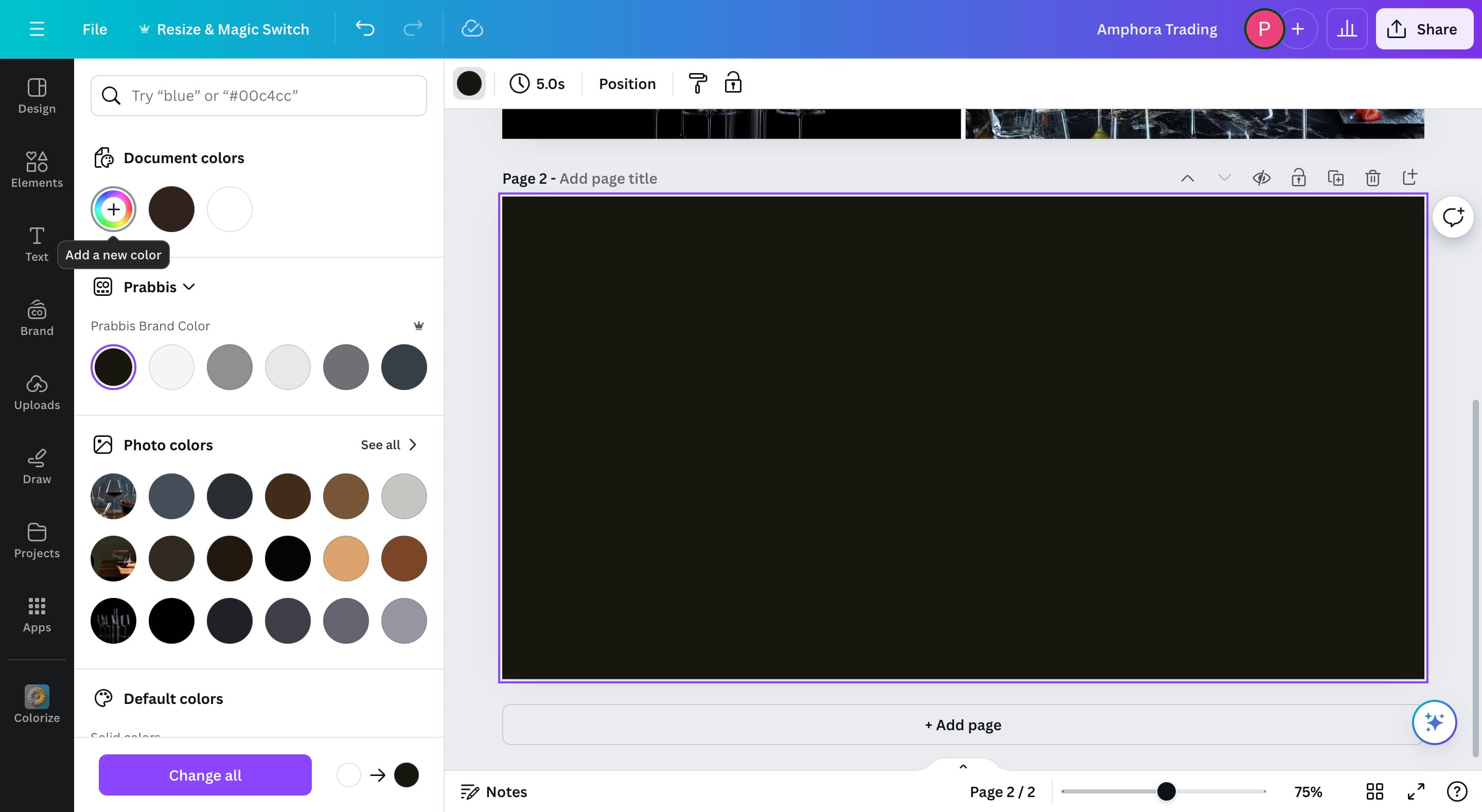
6
Click on the Add A New Color button to get the hex code
7
Copy your Hex Code
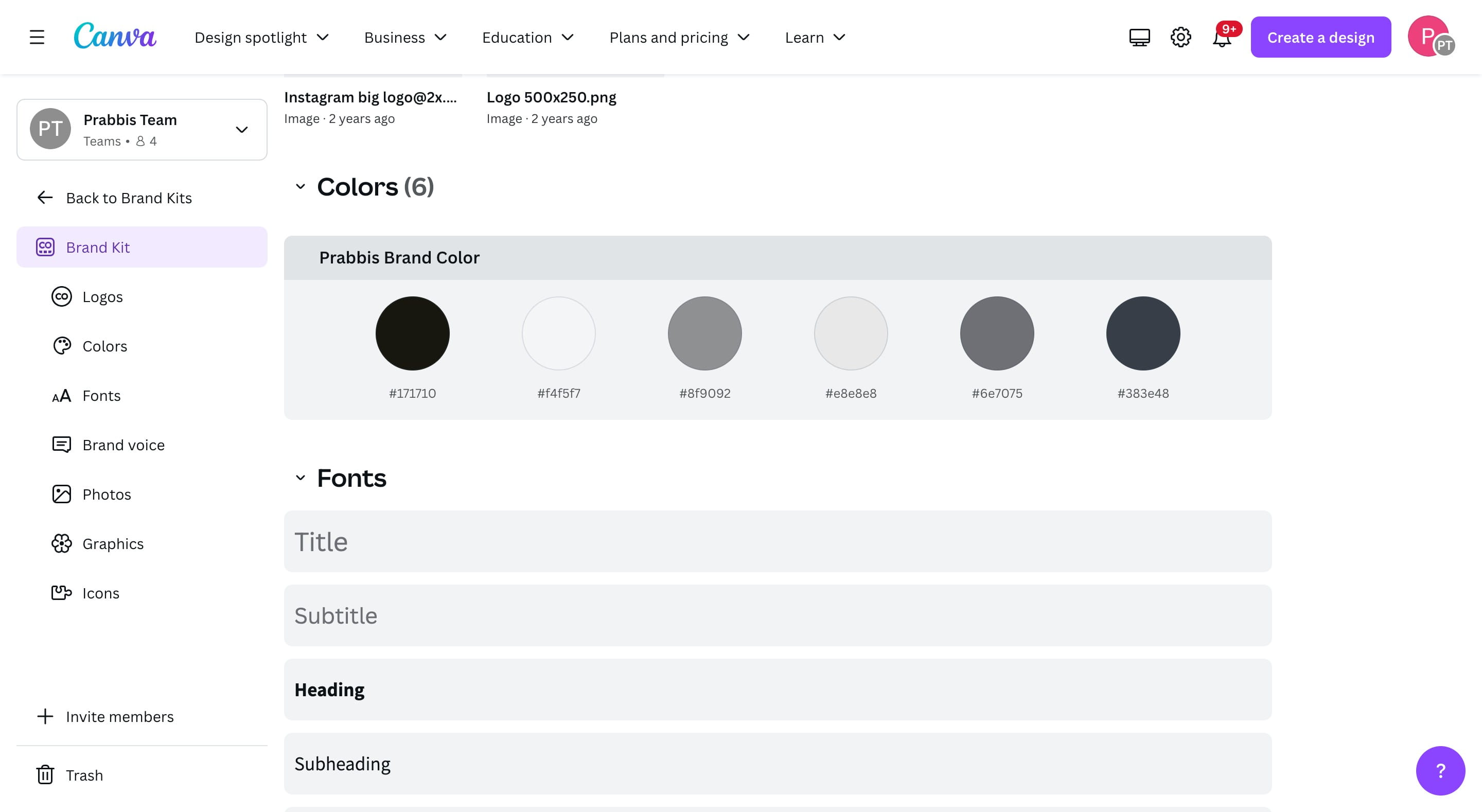
Through Branding Page
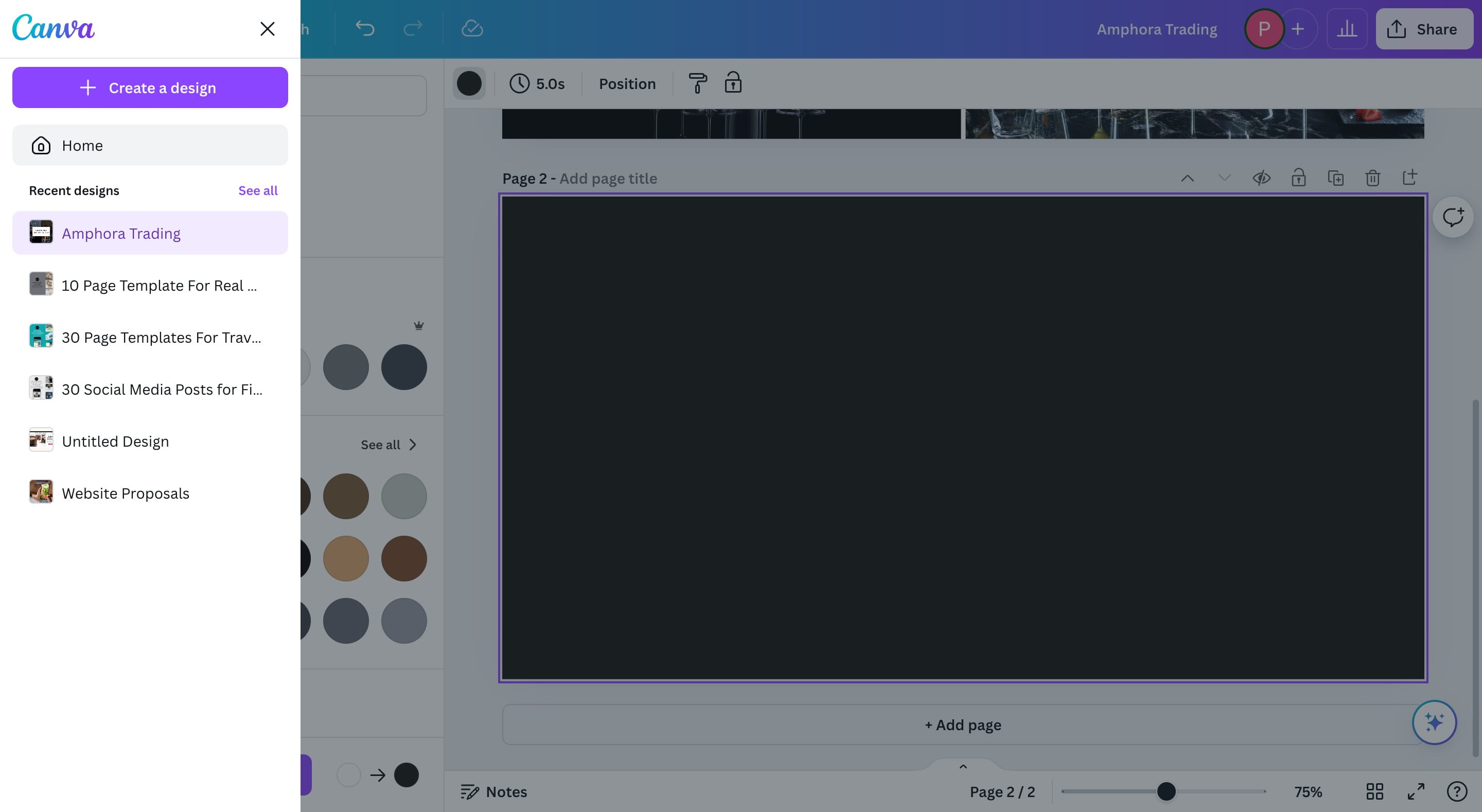
8
You can also get this by going to your "Home" page
9
Click on "Brand"

10
Pick your brand name, if you have not setup a brand previously, it won't exist here, you can use this opportunity to create a brand.

11
Click on the color of your choice to get the Hex Code
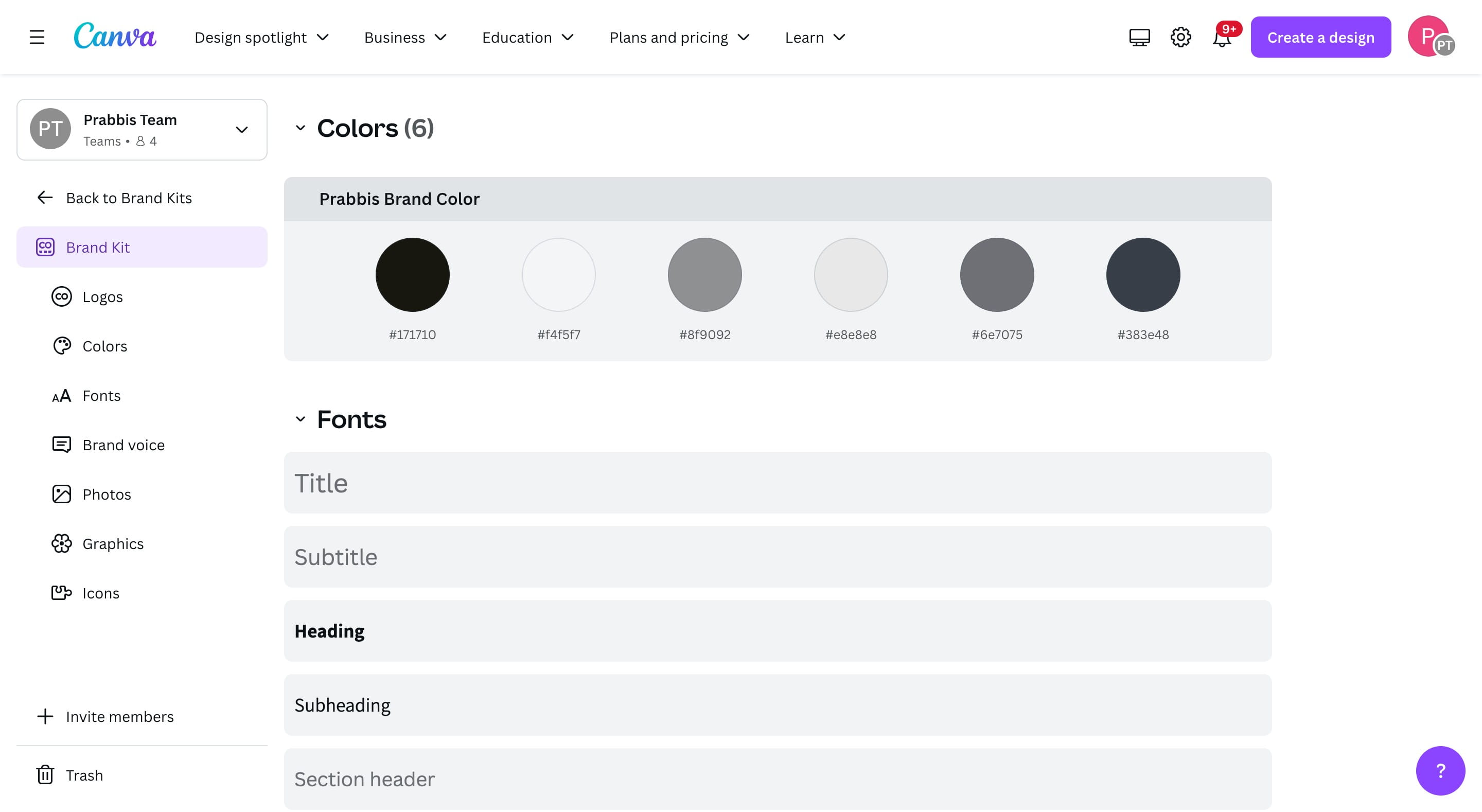
12
Done 🚀