Sign Up - Guidejar
This guide provides a comprehensive walkthrough on how to create an account on Guidejar, allowing users to access its features and begin creating and managing guides.
Aug 05, 2025●
1
Navigate to https://www.guidejar.com/register to begin creating an account.
2
Click on "Sign up with Email"

3
Enter Email

4
Enter Password

5
Click on "Get started for free"

6
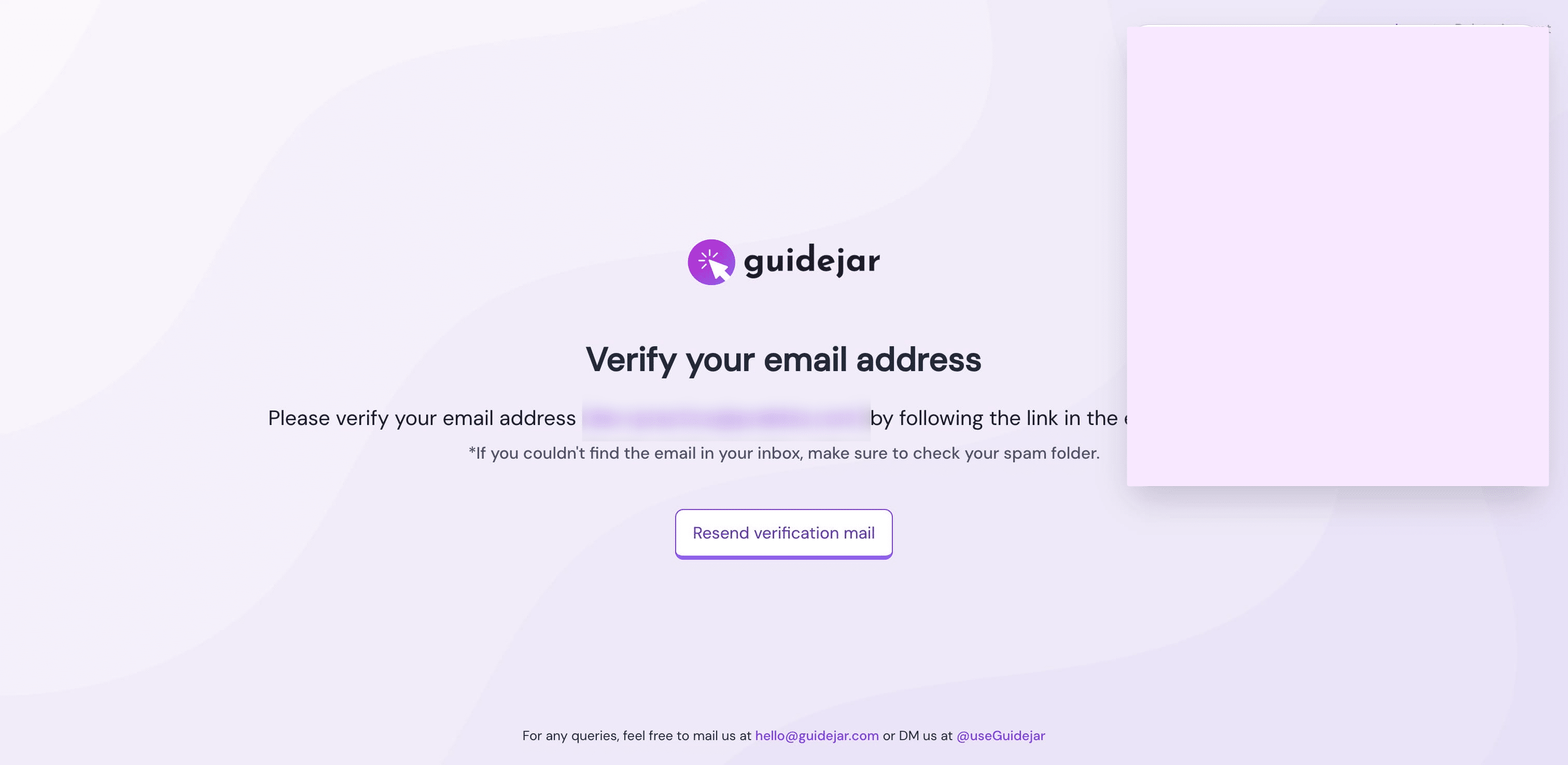
You should see the verify email screen, check your email.
7
After verification, you'll be asked to "Create a Team", Click on Create Team

8
Answer the questions asked

9
Click on "Let's go"

10
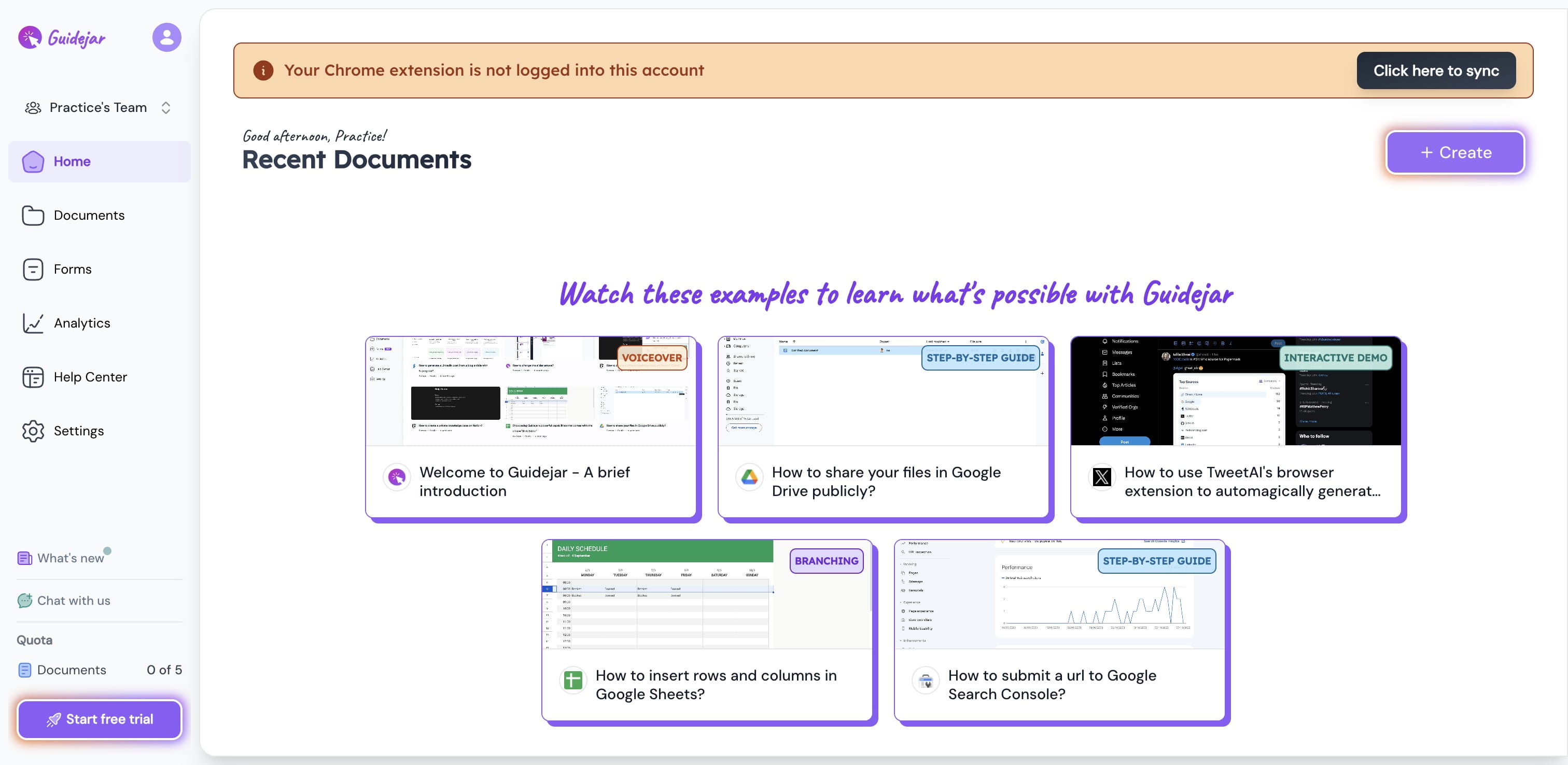
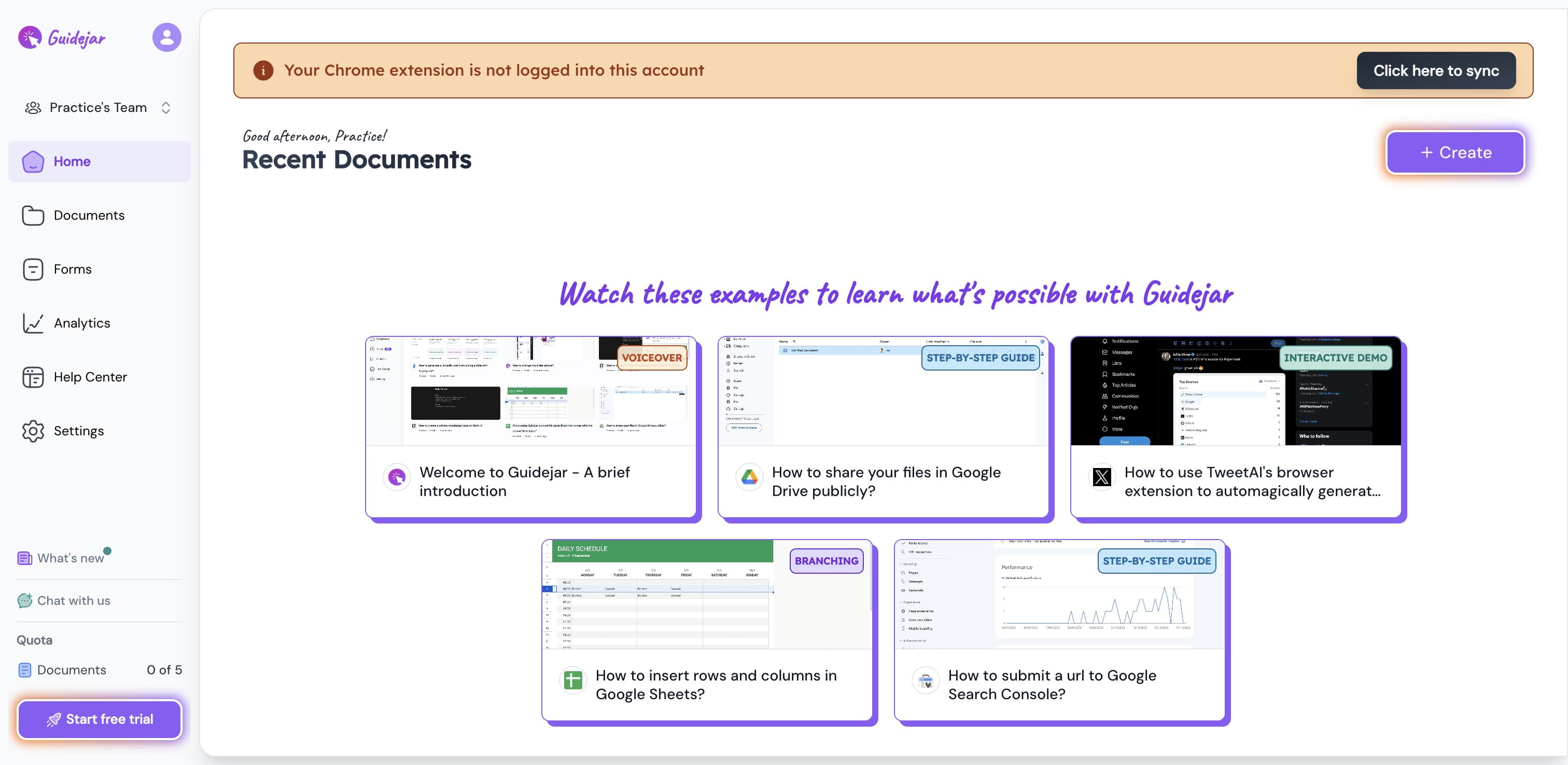
This screen is shown based on what you already have setup, in this case, i have a guidejar chrome extension, you might be asked to install the extension in your case.
11
You can also use the Start Free Trial Option