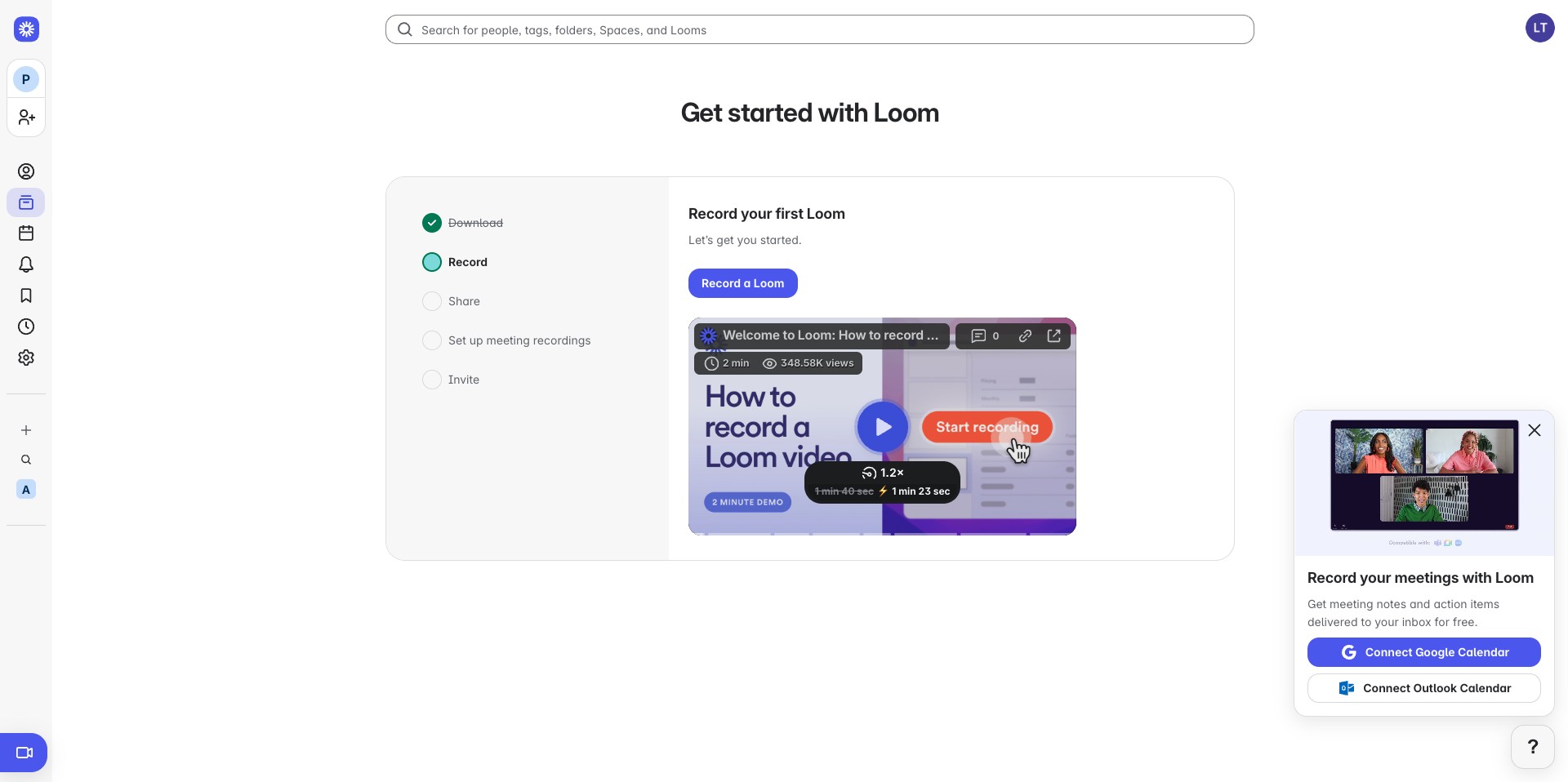
Loom | Accessing Account
This guide provides instructions on how to access your Loom account, enabling you to start creating and sharing videos. What is Loom : Loom is a video messaging tool that helps you get your message through personalized videos and articles.
To access Loom, you can either reuse your Jira workspace or create a new account if you don't have access to Jira. To learn how to create a account, follow steps in this guide: https://help.prabbis.com/guides/jira-setup. To create a new confluence account, Go to https://www.atlassian.com/software/loom and create one.
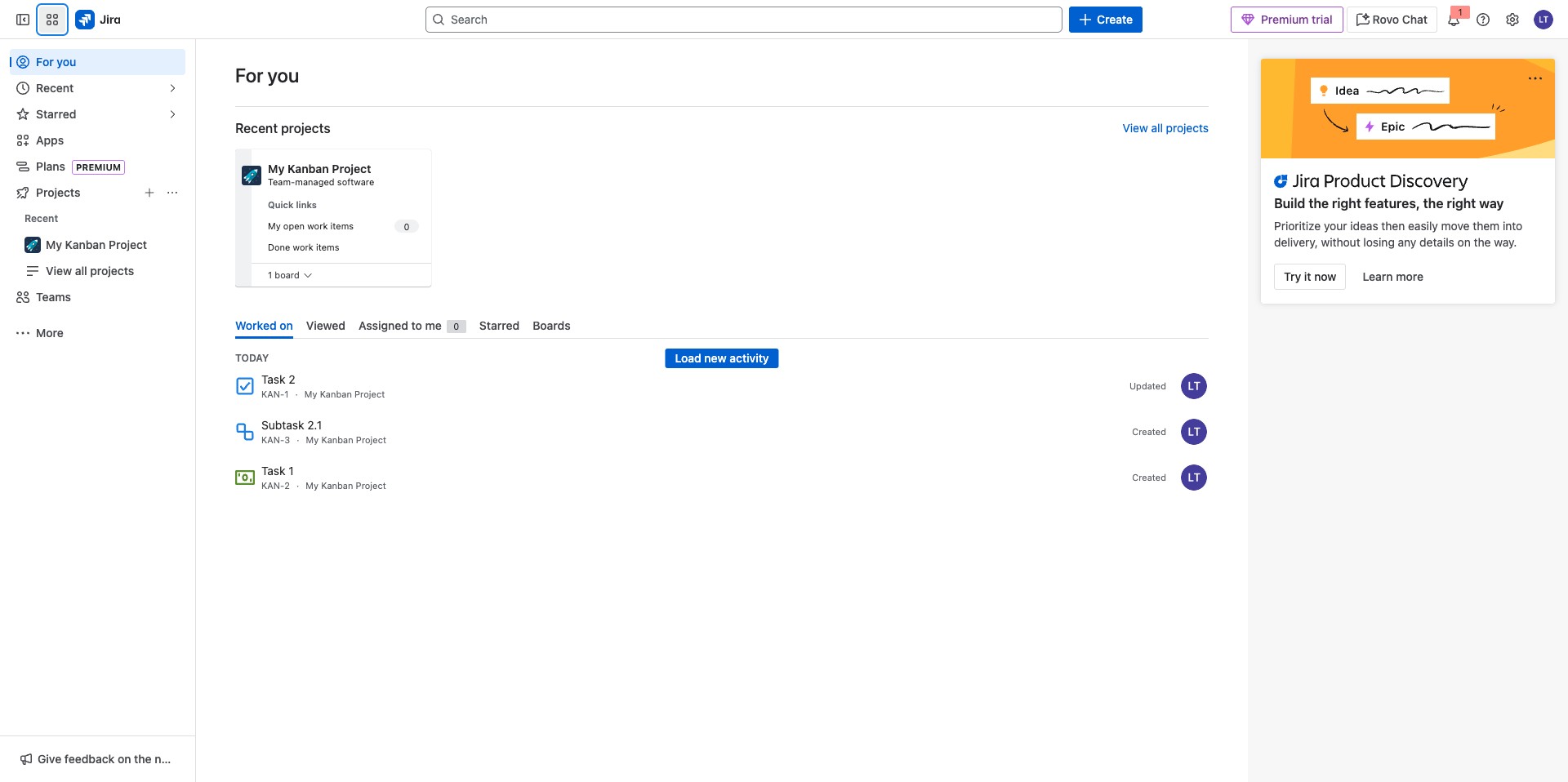
Click on the Menu on the Top Left in an existing Jira account to access Loom
Select the loom icon, it might also not be shown here and you can click on "More Atlassian apps"
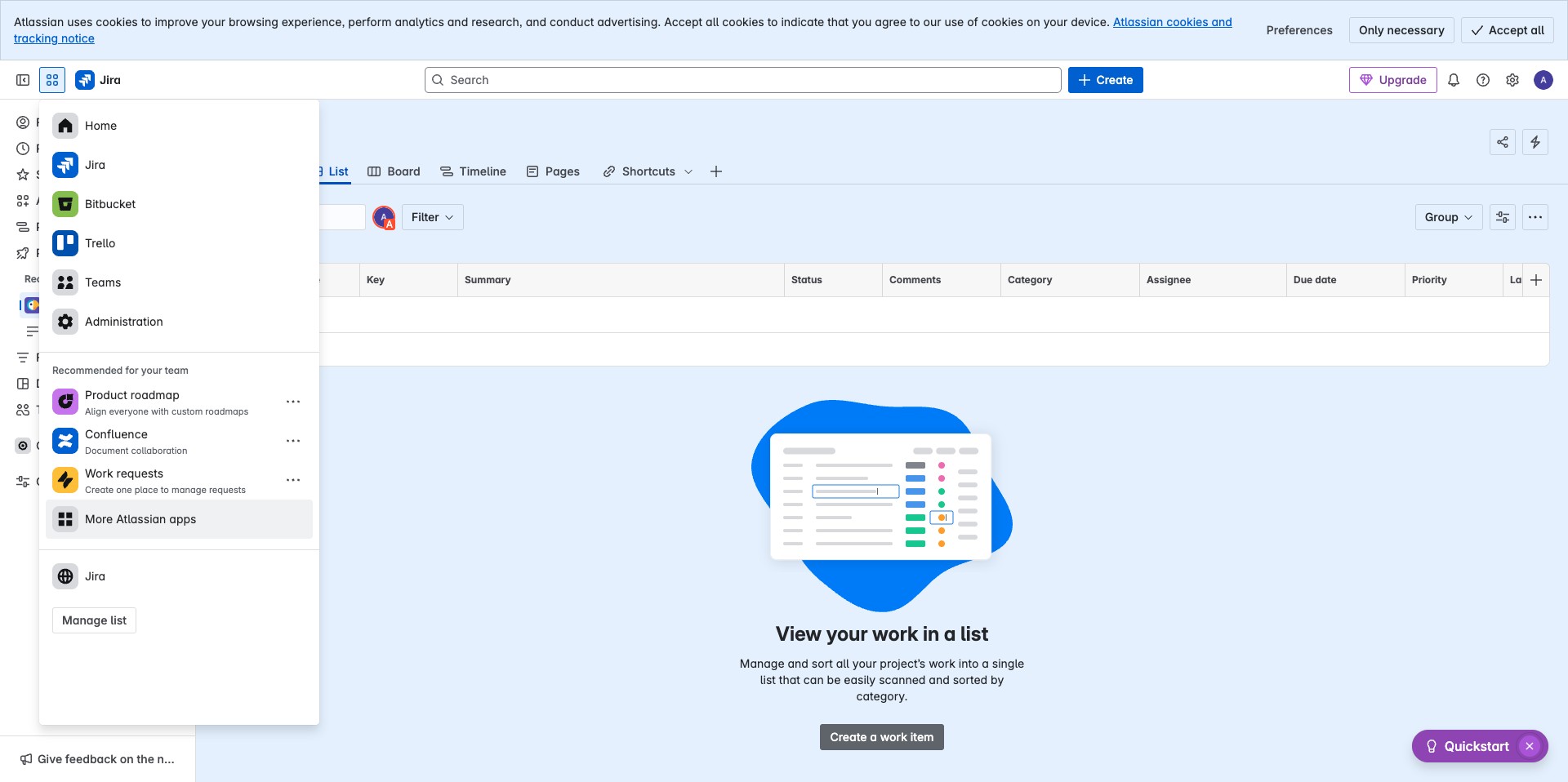
Scroll to the Loom option and click on "Try it now"
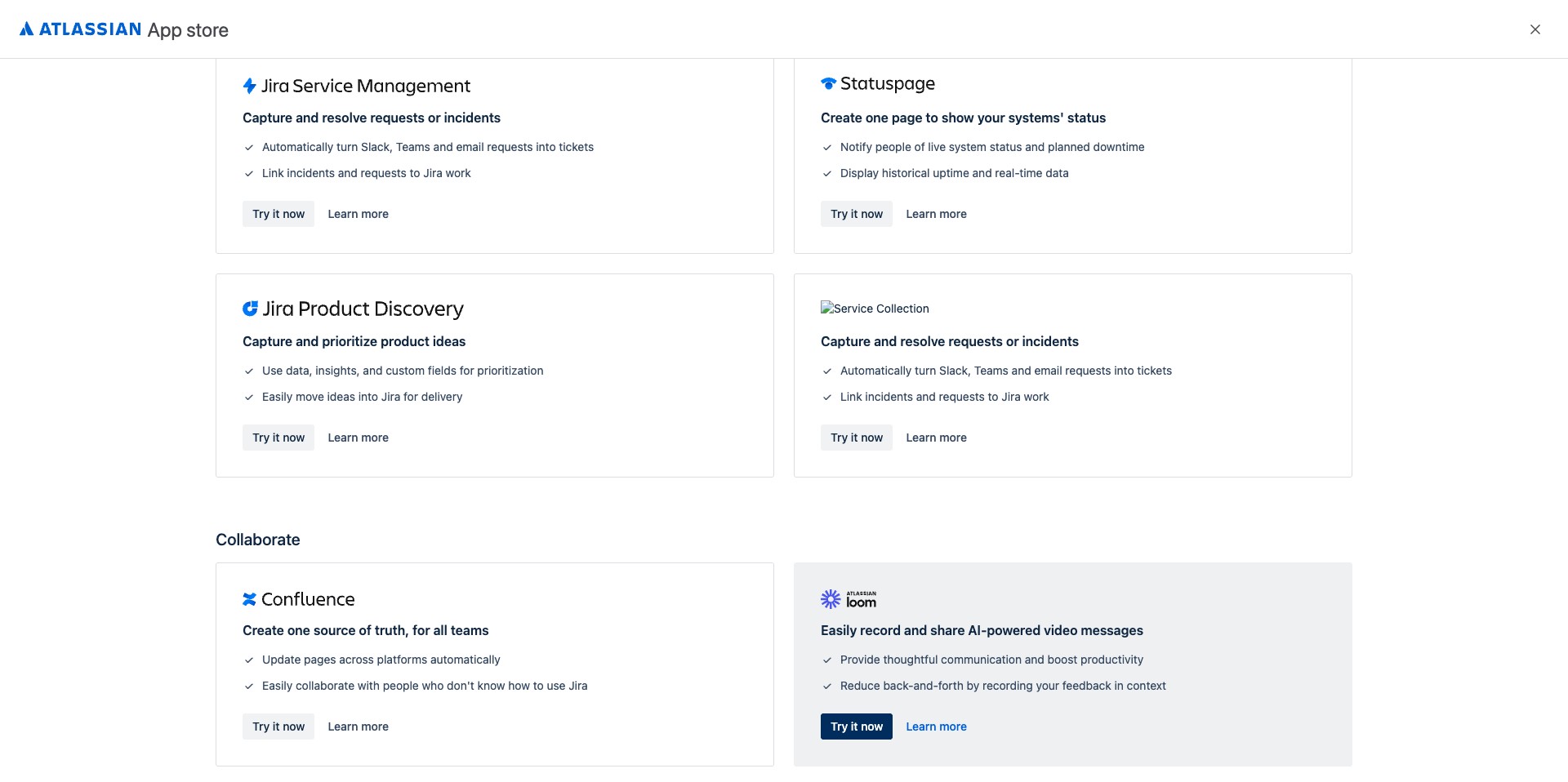
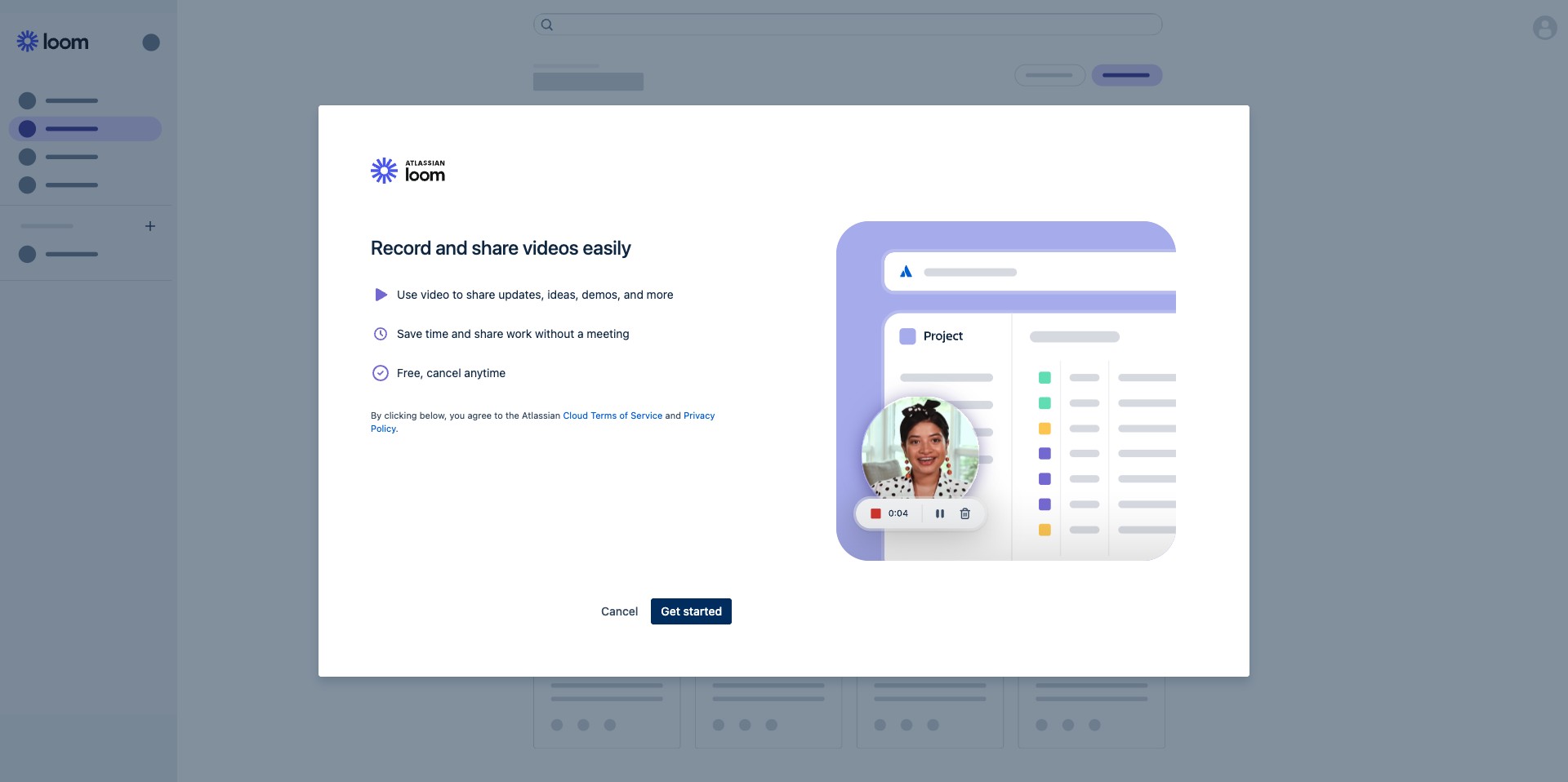
You should see a screen highlighting what you can do with loom and Click on "Get started"
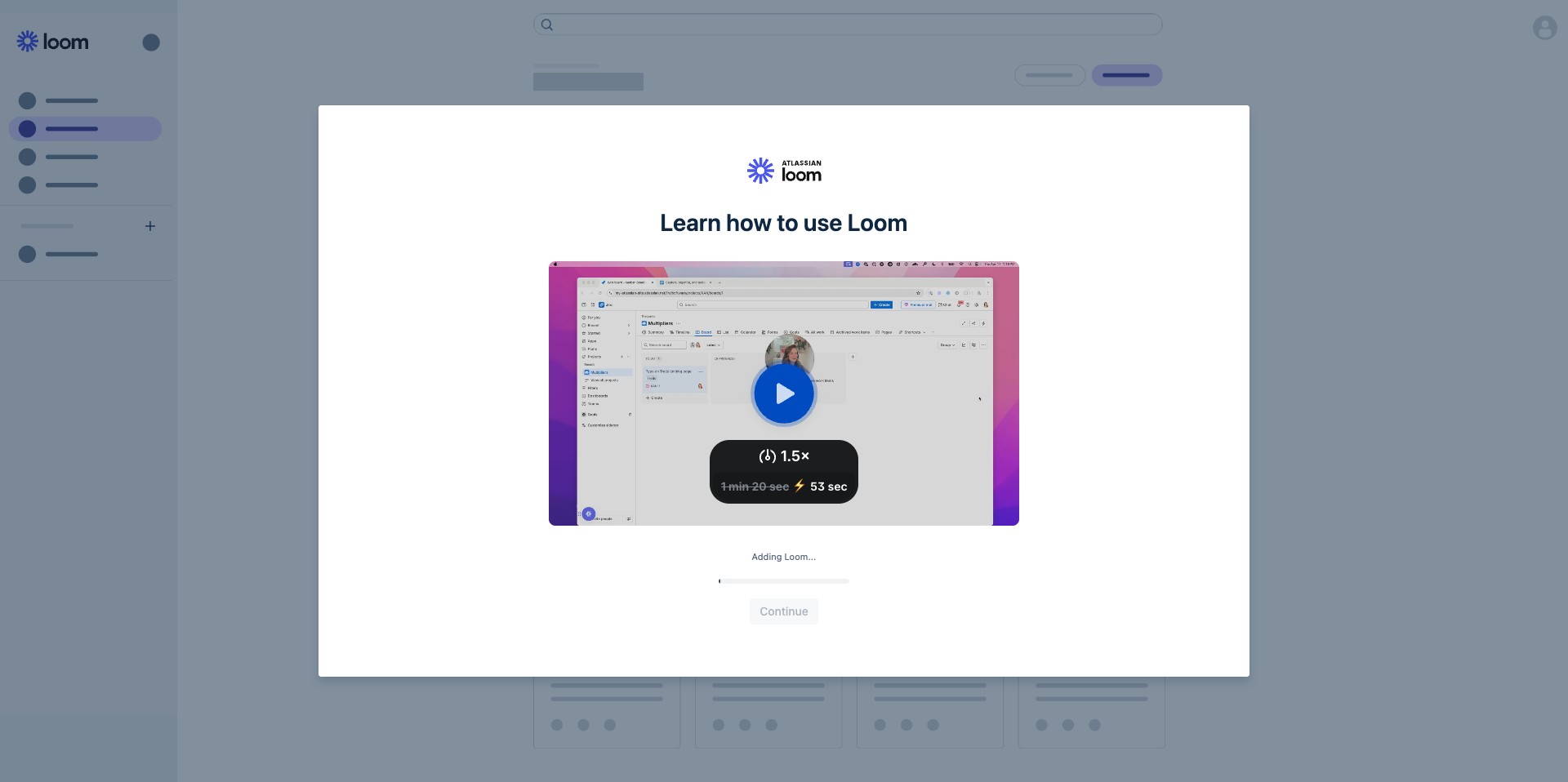
It should begin creating your loom instance
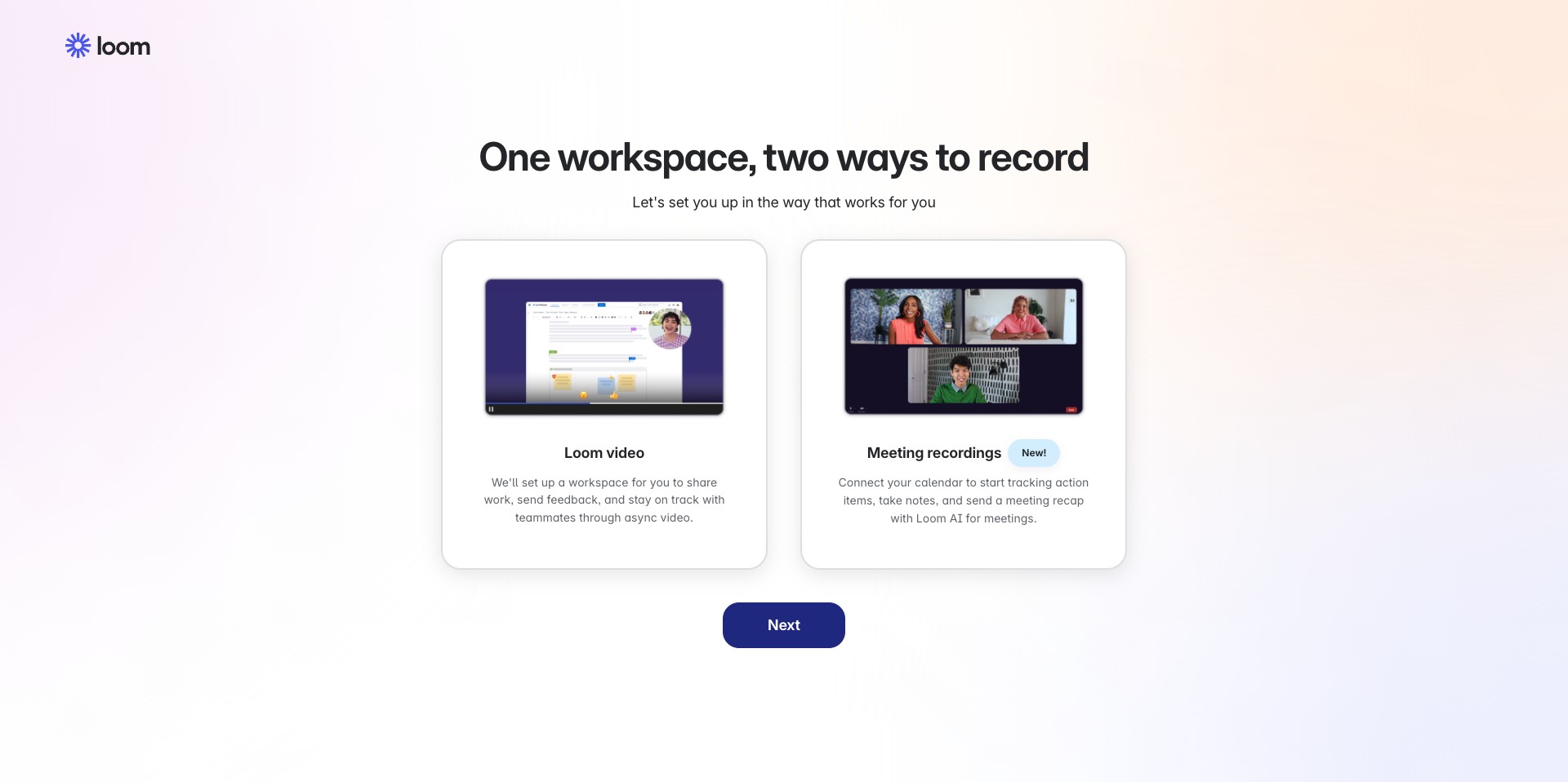
You will be redirected after creation of the loom instance is complete, you can Click on "Next" to continue
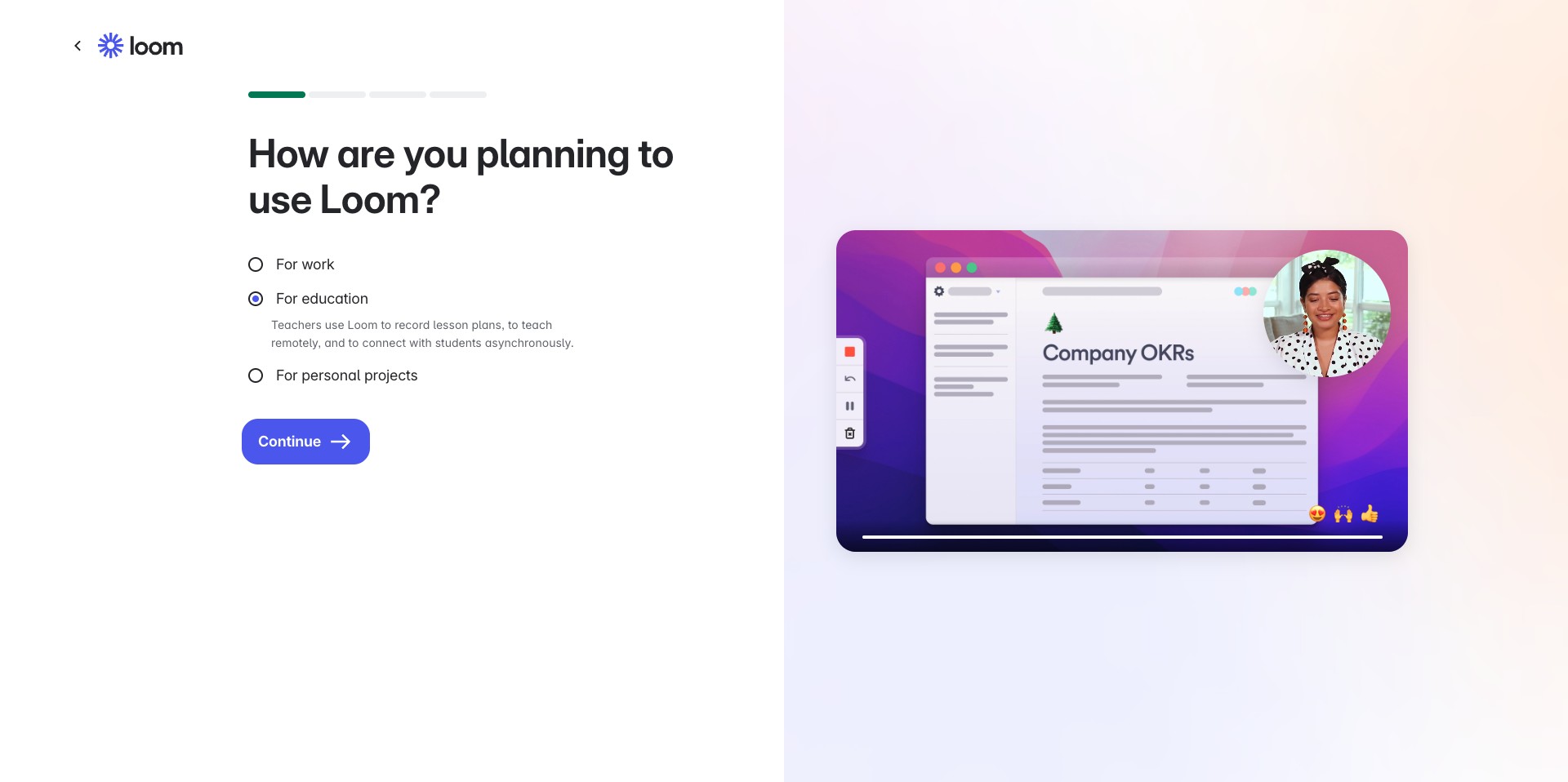
You can select the choice of why you are using loom, this is just for them to keep track of why individuals utilize Loom. Select an option and Continue
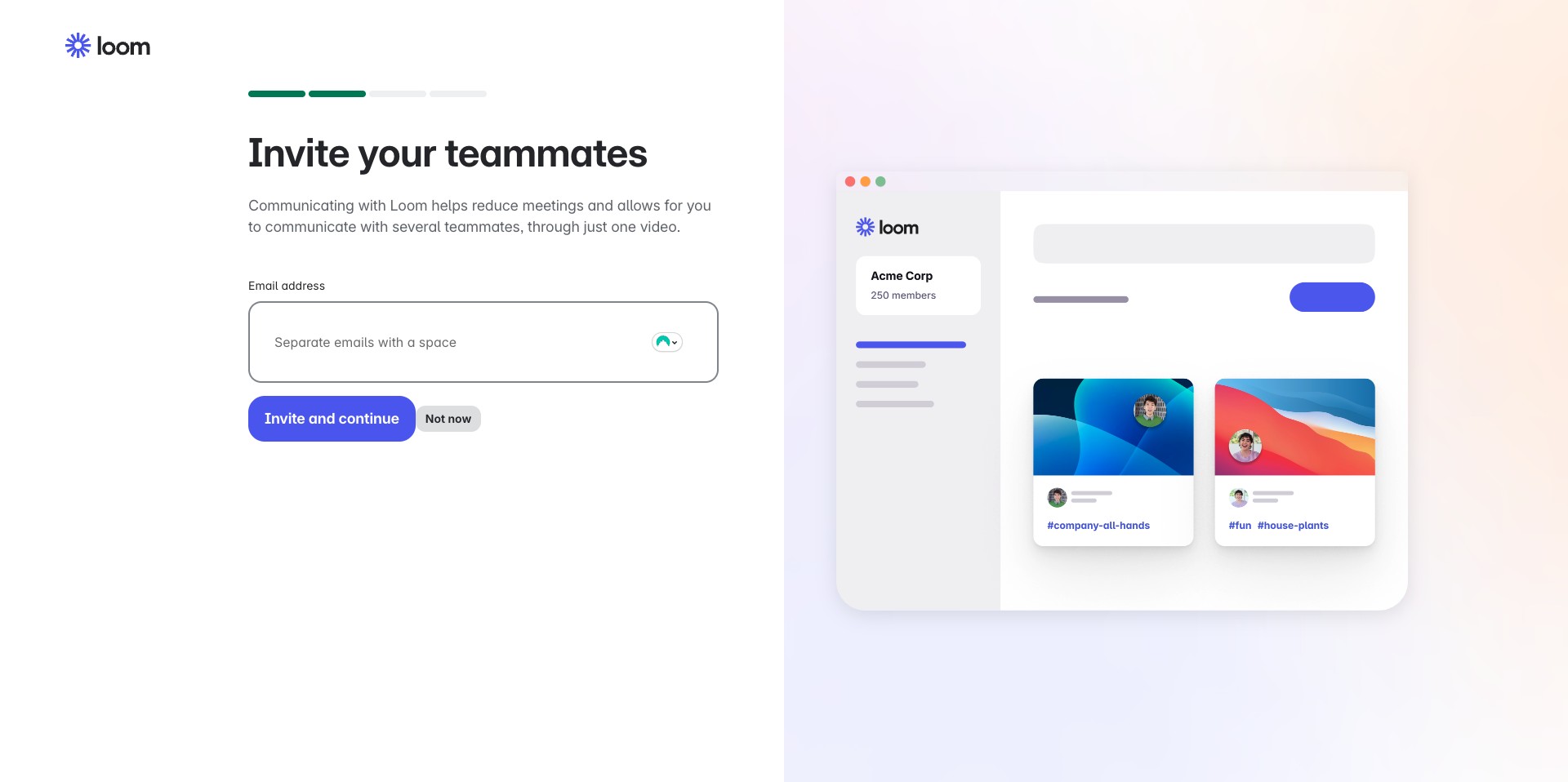
You can skip inviting team mates for now by clicking on "Not now"
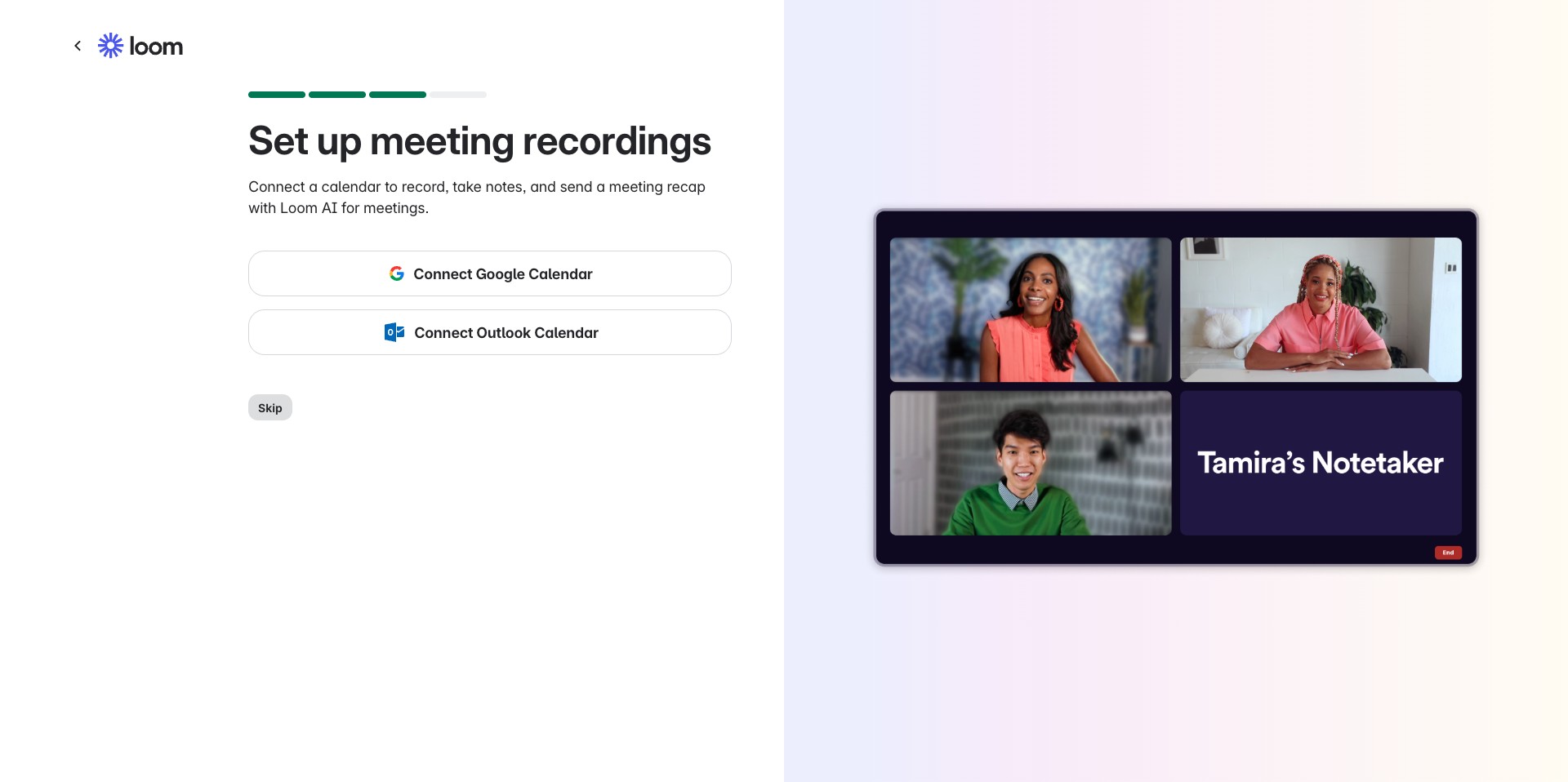
Click on "Skip" as well for calendar additions except you want to utilize it for notes in your calendar
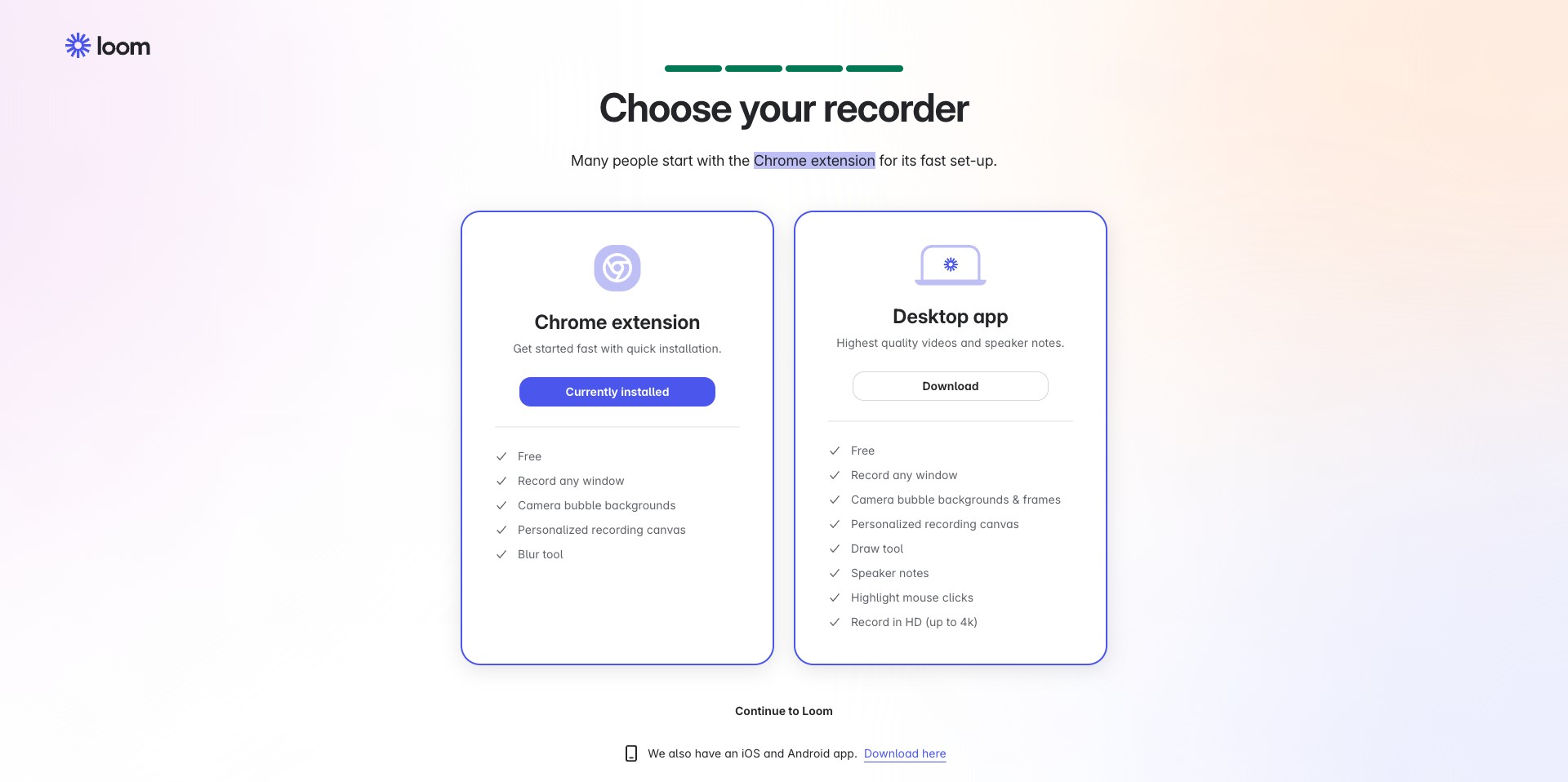
You can install an extension or download the desktop app for recording, this is also optional as you can record directly from the loom UI. Click Continue to Loom to move to Next steps
Voila!, You can now begin using Loom